


Step-by-Step Guide to Rural Mobile Hotspots Success

Over 20 million american households still face slow or unreliable internet in rural areas. Staying connected has become a basic need whether you are working remotely, streaming video, or helping kids with homework. Choosing the right mobile hotspot and setting it up for rural use can make all the difference in getting fast, reliable internet. This guide walks you through each step to help you find the best solution for your unique situation.
Table of Contents
- Step 1: Assess Rural Connectivity Needs And Coverage Options
- Step 2: Select The Best Rural Mobile Hotspot Device
- Step 3: Install And Configure Your Mobile Hotspot
- Step 4: Secure And Optimize Hotspot Performance
- Step 5: Test And Troubleshoot Rural Internet Connection
Quick Summary
| Key Point | Explanation |
|---|---|
| 1. Assess your connectivity needs | Evaluate data volume, speed, and device needs to determine the most suitable internet solutions for your rural area. |
| 2. Choose the right hotspot device | Select a mobile hotspot that supports multiple bands, has good battery life, and is compatible with local carrier networks. |
| 3. Properly configure the hotspot | Set up your device in a central location and secure it with a strong password to optimize performance and prevent unauthorized access. |
| 4. Monitor and manage usage | Regularly check data consumption, manage connected devices, and use configuration settings to safeguard and enhance your network. |
| 5. Test your connection consistently | Conduct speed tests at various times and keep a log of performance to identify issues and work effectively with your service provider. |
Step 1: Assess Rural Connectivity Needs and Coverage Options
Successfully navigating rural mobile hotspots starts with understanding your unique connectivity requirements and mapping out available network solutions. In this critical first step, you will systematically evaluate your internet needs and identify the most suitable coverage options for your specific location and usage demands.
Begin by conducting a comprehensive assessment of your internet usage patterns. Consider factors such as data volume, speed requirements, number of devices, and typical online activities like video streaming, remote work, or online gaming. According to the European Investment Bank, creating a customized connectivity strategy involves combining international best practices with local knowledge to improve telecom access in underserved areas. Tools like Calyx Institute’s coverage map can help you determine precise network availability in your rural region.
Pro tip: When assessing coverage, remember that rural internet solutions are not one-size-fits-all. Verify multiple data points, including signal strength, network reliability, and actual user experiences in your specific geographic area. Check with local providers, read community forums, and if possible, test connectivity before committing to a long-term plan.
Next, you will explore specific mobile hotspot technologies and providers that can meet your newly identified connectivity needs.
Step 2: Select the Best Rural Mobile Hotspot Device
With your connectivity needs clearly defined, it is time to choose the most appropriate mobile hotspot device that matches your rural internet requirements. This crucial step transforms your connectivity assessment into a practical solution tailored to your specific usage patterns and geographical challenges.
When selecting a rural mobile hotspot, focus on key performance metrics that matter most in remote areas. Reviews.org recommends thoroughly evaluating devices based on signal strength, battery life, data plan flexibility, and network compatibility. According to MEFMobile, the best mobile hotspots for 2025 prioritize robust performance features specifically designed for rural connectivity challenges. Look for devices with multiple network band support, external antenna options, and advanced signal amplification technologies that can overcome rural signal limitations.
Pro tip: Before making a final purchase, verify the hotspot device’s compatibility with your local carrier networks and check return policies. Some rural areas have unique connectivity challenges, so hands-on testing can reveal performance nuances that specifications alone cannot capture. Consider purchasing from providers offering generous trial periods or money back guarantees.

Next, you will explore data plans and pricing strategies that complement your selected mobile hotspot device.
Step 3: Install and Configure Your Mobile Hotspot
With your mobile hotspot device selected, you are ready to transform your connectivity potential into a fully functional internet solution. This critical step involves carefully setting up your device to ensure optimal performance and seamless internet access in your rural environment.
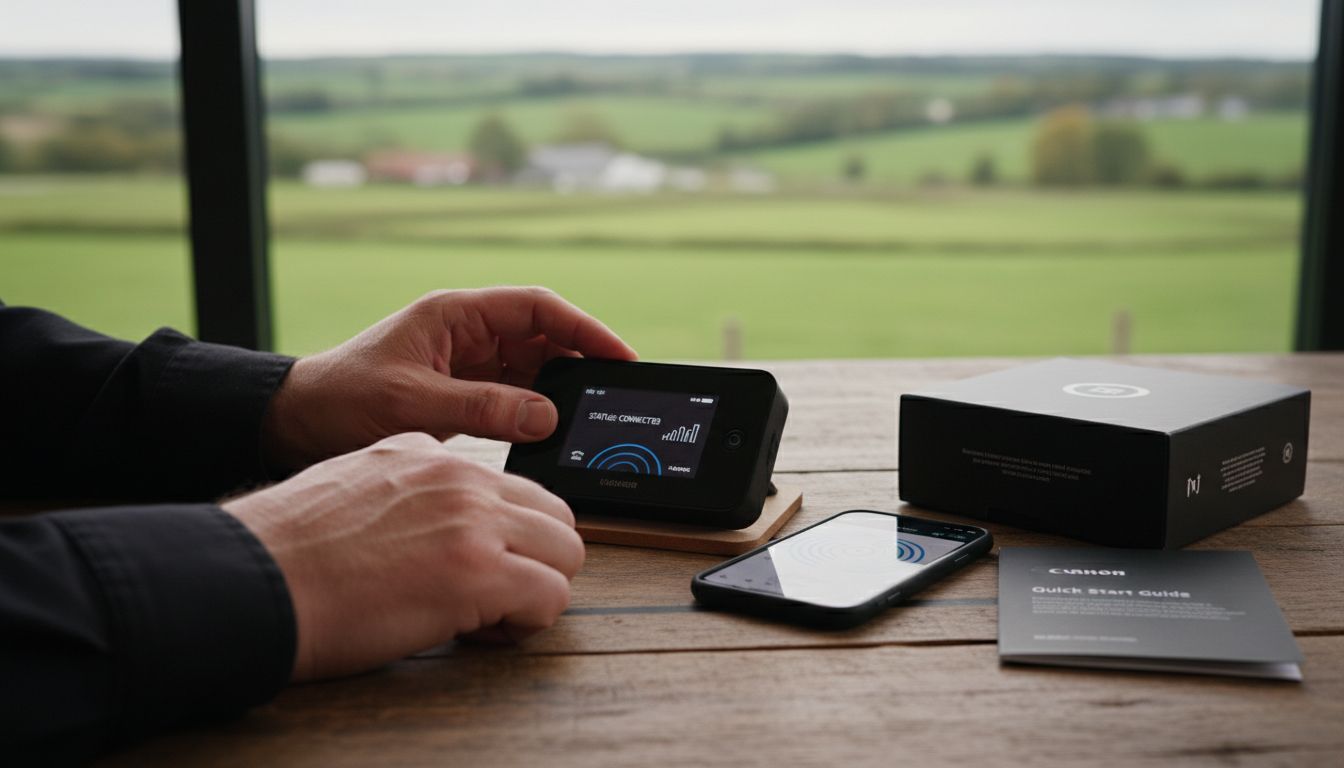
ElectronicsHub provides comprehensive guidance on hotspot installation and configuration. Begin by carefully unpacking your device and charging it fully. Access the device settings through the manufacturer provided interface or mobile app, creating a unique network name and strong password to secure your connection. According to the American Library Association, selecting the right cellular service provider is crucial for effective mobile hotspot performance. Ensure your device is activated with your chosen carrier and that cellular data services are properly configured.
Pro tip: Position your mobile hotspot in a central location with minimal obstructions to maximize signal strength. Avoid placing the device near metal objects or thick walls that could interfere with signal transmission. Periodically check for firmware updates from the manufacturer to maintain optimal device performance and security.
Next, you will explore strategies for managing your mobile hotspot data usage and optimizing your connectivity experience.
Step 4: Secure and Optimize Hotspot Performance
With your mobile hotspot installed, protecting your network and maximizing its performance becomes the next critical priority. Your goal is to create a secure, efficient connectivity environment that safeguards your data and ensures reliable internet access in rural settings.
ElectronicsHub emphasizes the importance of comprehensive device security and performance management. Start by enabling robust password protection and encryption settings on your hotspot device. Carefully monitor and limit the number of connected devices to prevent unauthorized access and maintain optimal bandwidth. According to the American Library Association, managing your service plan and device configurations are essential steps in maintaining network performance and security.
Pro tip: Regularly review your data usage and set up alerts to prevent unexpected overages. Consider using your hotspot’s administrative interface to create guest networks, implement MAC address filtering, and track connected device activity. This proactive approach helps you maintain control over your network resources and protect against potential security vulnerabilities.
Next, you will explore strategies for managing data consumption and understanding your mobile hotspot billing structure.
Step 5: Test and Troubleshoot Rural Internet Connection
With your mobile hotspot configured, your next critical task is systematically testing and troubleshooting your rural internet connection to ensure reliable and consistent performance. This step involves identifying potential connectivity challenges and implementing strategic solutions to optimize your network experience.
Calyx Institute recommends utilizing coverage maps to verify network availability and assess signal strength in your specific geographic location. Conduct multiple speed tests at different times of day to understand your connection’s consistency and performance variations. The European Investment Bank suggests a comprehensive approach to troubleshooting, which includes analyzing signal strength, checking device positioning, and understanding potential interference sources that might impact your rural internet connection.
Pro tip: Keep a detailed log of your connection performance, including speed test results, dropped connections, and signal strength measurements. This documentation can help you identify patterns and communicate effectively with your service provider if persistent issues arise.
Consider testing your connection from multiple locations within your property to find optimal signal areas and understand your network coverage limitations.
Next, you will explore strategies for optimizing your rural internet experience and selecting additional supportive technologies to enhance your connectivity.
Unlock Reliable Rural Connectivity with SabertoothPro
Struggling to find a mobile hotspot that delivers strong signal and dependable internet in rural areas is a common challenge. This guide highlights key pain points like assessing coverage, selecting the right device, and optimizing performance. At SabertoothPro, we understand how critical it is to have fast, secure, and stable connectivity where you live or work. Our range of Titan WiFi hotspot plans and Titan WiFi devices are built to solve these exact challenges for rural users, combining advanced technology with flexible options tailored to your specific needs.

Experience the difference with SabertoothPro’s cutting-edge rural internet solutions designed for ease of installation, strong signal reception, and secure connections. Don’t wait for connectivity frustrations to hold you back. Visit SabertoothPro.com now to explore our innovative hotspot products and plans. Take control of your rural internet experience today and enjoy seamless, high-speed access no matter where you are.
Frequently Asked Questions
How do I assess my rural internet connectivity needs?
Start by evaluating your internet usage patterns, including data volume and speed requirements. Create a checklist that includes typical online activities, such as video streaming or remote work, to determine your specific needs.
What features should I look for in a mobile hotspot device?
Focus on key performance metrics like signal strength, battery life, and device compatibility with your carrier. Prioritize devices that support multiple network bands and offer advanced signal amplification to ensure a stable connection in rural areas.
How can I optimize the performance of my mobile hotspot?
Position your mobile hotspot in a central location with minimal obstructions to maximize signal strength. Regularly check for updates and monitor connected devices to maintain optimal performance and prevent unauthorized access.
What steps should I take to troubleshoot my rural internet connection?
Begin by conducting speed tests at different times to understand performance variations. Keep a detailed log of connection issues to help identify patterns and facilitate effective communication with your service provider if needed.
How do I manage my mobile hotspot data usage?
Regularly review your data consumption and set up alerts to avoid overages. Utilize your device’s administrative settings to create guest networks and track connected devices to maintain control over usage.