


How to Set Up Business Internet for Fleet Connectivity

Reliable connectivity is the backbone of every logistics operation from the busy urban centers of Philadelphia and Washington to remote Pennsylvania highways. For IT managers at firms in the Mid-Atlantic region, ensuring constant communication and real-time data flow across every vehicle is not just an upgrade, but a necessity for today’s fast-moving fleets. This guide shows how to build a strong digital foundation so your business stays competitive, secure, and ready for future demands, putting special focus on effective fleet connectivity for seamless operations.
Table of Contents
- Step 1: Assess Business Connectivity Requirements
- Step 2: Evaluate and Choose Internet Plans
- Step 3: Install Routers and Wireless Devices
- Step 4: Configure Network Security Features
- Step 5: Test Internet Performance and Reliability
Quick Summary
| Key Insight | Explanation |
|---|---|
| 1. Assess Connectivity Needs | Evaluate connected devices, bandwidth, and coverage for robust connectivity design. |
| 2. Choose Internet Plans Wisely | Select high-speed, reliable plans based on scalability and specific operational needs. |
| 3. Install Quality Routers | Use enterprise-grade routers, ensuring they withstand fleet environments and provide robust coverage. |
| 4. Configure Strong Security | Implement multi-layered security features, including VPNs and access controls, to protect data. |
| 5. Regularly Test Performance | Continuously monitor network reliability and speed to identify and resolve connectivity issues early. |
Step 1: Assess Business Connectivity Requirements
Effective fleet connectivity starts with a comprehensive assessment of your business’s specific internet needs. Understanding your connectivity requirements will help you design a robust network infrastructure that supports seamless operations across your entire logistics ecosystem.
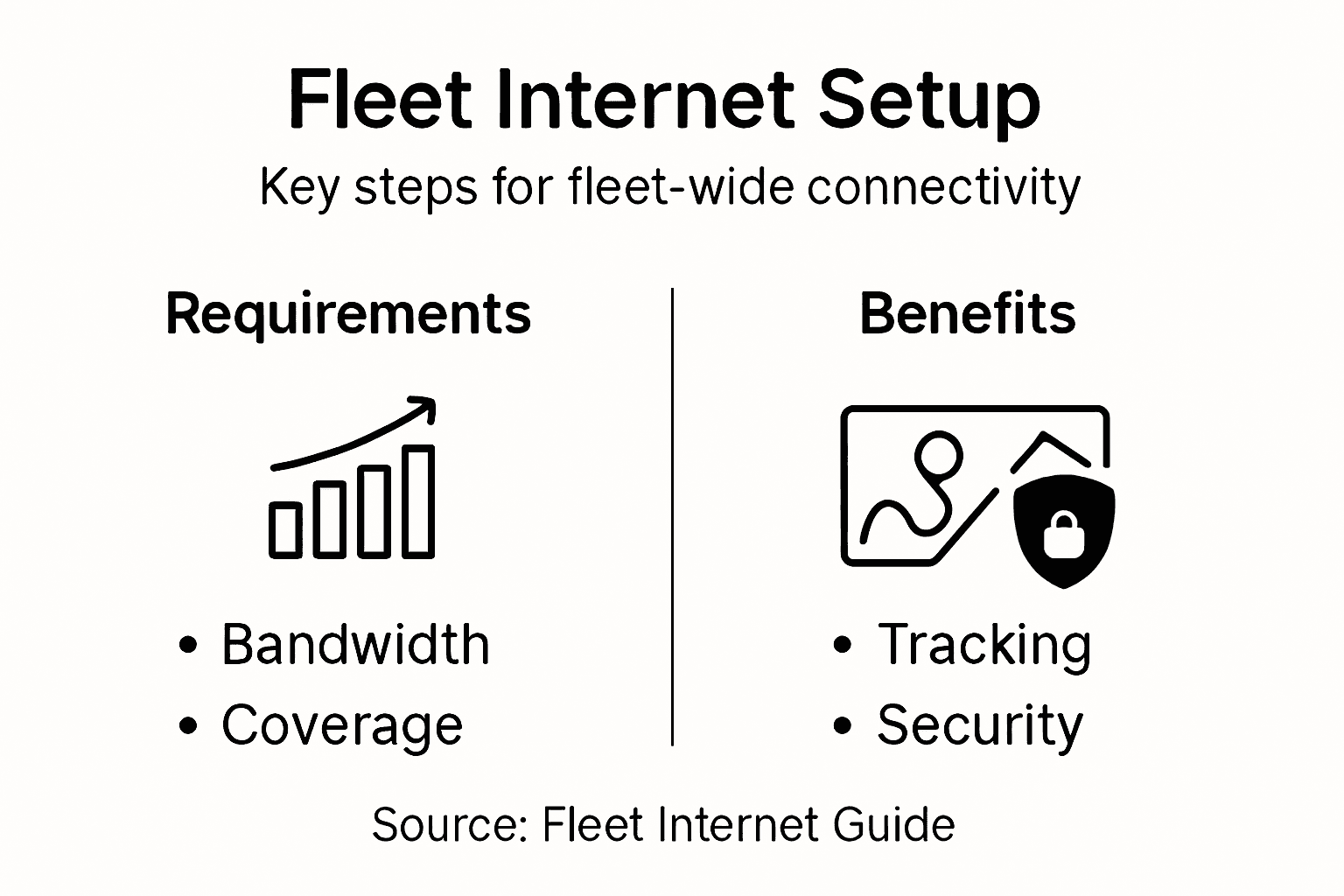
To assess your business connectivity requirements, you’ll need to evaluate several critical factors:
- Total number of connected devices in your fleet
- Bandwidth requirements for real-time tracking and communication
- Geographic coverage needed for your operational routes
- Data transmission speeds for telematics and tracking systems
- Reliability and redundancy expectations
The process involves understanding how digital infrastructure impacts business connectivity. Modern fleet operations demand high-performance networks that can handle multiple simultaneous data streams from vehicles, mobile devices, and tracking systems.
Start by conducting a detailed audit of your current communication infrastructure. Map out where your existing systems succeed and where they fall short. This means analyzing current internet speeds, identifying dead zones in your operational routes, and understanding the specific data transmission needs of your fleet management software.
Connectivity isn’t just about speed—it’s about creating a resilient digital ecosystem that keeps your fleet running smoothly.
Consider factors like video streaming capabilities for driver monitoring, real-time GPS tracking, electronic logging device (ELD) data transmission, and potential future technological integrations. Your connectivity assessment should be forward-looking, anticipating both current and emerging technological requirements.
Pro tip: Schedule a comprehensive network assessment with a connectivity expert who understands the unique challenges of logistics and transportation infrastructure.
Step 2: Evaluate and Choose Internet Plans
Selecting the right internet plan is crucial for maintaining robust fleet connectivity and ensuring smooth operational communications. Your goal is to find a plan that offers reliable, high-speed internet that can handle the demanding data requirements of modern logistics operations.
When evaluating internet plans, focus on these critical considerations:
- Bandwidth capacity to support multiple simultaneous data transmissions
- Upload and download speeds appropriate for real-time tracking
- Network reliability and guaranteed uptime percentages
- Geographic coverage matching your fleet’s operational routes
- Scalability options for future business growth
Businesses can expand broadband coverage through strategic plan selection that balances performance and cost-effectiveness. Look beyond basic pricing and examine the technical specifications that directly impact your fleet’s communication capabilities.
Key evaluation criteria should include symmetric fiber speeds, unlimited data usage, and quality of technical support. Compare providers by creating a detailed comparison matrix that ranks potential plans based on your specific operational needs. Pay special attention to:
- Consistent network performance
- Responsive customer support
- Flexible contract terms
- Transparent pricing structures
Not all internet plans are created equal—the right plan can be the difference between seamless operations and costly communication breakdowns.
Consider working with providers who specialize in fleet and transportation connectivity. These experts understand the unique data transmission challenges of mobile operations and can offer tailored solutions that generic providers might overlook.
Pro tip: Request detailed service level agreements and conduct thorough performance testing before committing to a long-term internet plan.
Here’s a quick comparison of key internet plan features and their impact on fleet connectivity:
| Feature | Operational Advantage | Business Outcome |
|---|---|---|
| High Bandwidth | Supports real-time updates | Smoother fleet tracking |
| Broad Geographic Coverage | Minimizes dead zones | Fewer delivery delays |
| Uptime Guarantees | Reduces communication gaps | Improved service reliability |
| Flexible Contracts | Simplifies scaling | Adapts to changing business needs |
| Specialized Tech Support | Faster issue resolution | Less unplanned downtime |
Step 3: Install Routers and Wireless Devices
Installing routers and wireless devices is a critical step in establishing a robust fleet connectivity infrastructure. Your goal is to create a reliable network that supports seamless communication across all your mobile assets and operational locations.
To effectively configure a wireless network for fleet operations, follow these essential installation steps:
- Select enterprise-grade wireless routers designed for mobile and fleet environments
- Verify compatibility with your existing network infrastructure
- Prepare mounting locations in vehicles and fixed facilities
- Gather necessary installation tools and configuration accessories
Key considerations for router and wireless device installation include:
- Signal strength and coverage across different operational routes
- Ruggedized hardware capable of withstanding transportation environments
- Multiple connection options including cellular, WiFi, and satellite
- Power management features for long-duration vehicle operations
- Security protocols to protect network communications
Prepare for installation by creating a detailed deployment map that identifies specific mounting locations, power sources, and network connection points. This strategic approach ensures consistent connectivity and minimizes potential installation challenges.
Effective router installation is more than just connecting hardware—it’s about creating a resilient communication ecosystem for your entire fleet.
Consider specialized fleet networking solutions that offer integrated cellular and WiFi capabilities. These advanced systems provide redundant communication pathways, ensuring your operational communications remain uninterrupted even in challenging network environments.

Pro tip: Conduct comprehensive signal strength testing across multiple locations and vehicle types before finalizing your router installation strategy.
Step 4: Configure Network Security Features
Configuring robust network security features is essential for protecting your fleet’s digital infrastructure and preventing unauthorized access to critical communication systems. Your goal is to create a multilayered defense strategy that safeguards sensitive operational data across all connected devices and network endpoints.
Learn to implement comprehensive network security principles that protect your fleet’s digital ecosystem:
Key security configuration strategies include:
- Establish strong access control mechanisms
- Implement virtual private network (VPN) protections
- Configure network segmentation for isolated communication channels
- Enable advanced intrusion prevention systems
- Deploy enterprise-grade antivirus protection
Critical security configuration steps involve:
- Set up multi-factor authentication for all network access points
- Configure encrypted communication protocols
- Create granular user permission levels
- Develop comprehensive network monitoring rules
- Implement automatic security update mechanisms
Effective network security is not a single solution but a continuous, adaptive process of protection and monitoring.
Specialized wireless security configurations are crucial for fleet environments. This includes implementing advanced encryption protocols like WPA3, configuring MAC address filtering, and establishing secure network identification strategies that prevent unauthorized device connections.
Pro tip: Conduct periodic security audits and penetration testing to identify and address potential vulnerabilities before they can be exploited.
Below is a summary of essential network security features and what they protect in fleet operations:
| Security Feature | Protects Against | Example Application |
|---|---|---|
| VPN Encryption | Data interception | Secure remote access for drivers |
| Multi-factor Authentication | Unauthorized access | Protects admin panels |
| Network Segmentation | Lateral threats | Isolates vehicle and office networks |
| Intrusion Prevention | Malware and attacks | Blocks suspicious traffic |
| Automatic Updates | Outdated vulnerabilities | Keeps devices patched |
Step 5: Test Internet Performance and Reliability
Testing your fleet’s internet performance and reliability is crucial for ensuring uninterrupted operational communication and identifying potential connectivity challenges before they impact your business. Your comprehensive testing strategy will help validate the network infrastructure you’ve carefully designed and implemented.
Learn to track critical reliability metrics for fleet connectivity, which include evaluating key performance indicators that directly impact your operational efficiency:
Essential performance testing metrics:
- Uptime percentage across different network environments
- Latency and response times for communication systems
- Bandwidth consistency during peak operational hours
- Connection stability across varied geographic routes
- Data transmission reliability for real-time tracking
Detailed testing procedures involve:
- Conduct comprehensive network speed tests
- Measure signal strength in different locations
- Simulate high-traffic communication scenarios
- Verify redundancy and failover capabilities
- Document performance variations and inconsistencies
Performance testing is not a one-time event but an ongoing process of continuous monitoring and optimization.
Utilize specialized monitoring tools that provide real-time insights into connection performance, enabling proactive identification and resolution of potential connectivity issues. Focus on tools that offer detailed analytics, automated reporting, and customizable alert systems for maximum visibility into your network’s operational status.
Pro tip: Establish a regular testing schedule with automated monitoring tools to catch performance degradation before it becomes a critical operational problem.
Boost Your Fleet Connectivity with SabertoothPro Solutions
Setting up reliable business internet for your fleet means overcoming challenges like inconsistent coverage, bandwidth limitations, and securing your network against threats. This article highlights the importance of selecting the right internet plans, installing enterprise-grade routers, and configuring strong security features to keep your operations seamless and protected.
At SabertoothPro, we understand these critical needs. Our Titan WiFi devices and Titan WiFi Hotspot Plans are designed specifically to provide high-speed, reliable, and secure internet connectivity tailored for mobile fleet environments. Whether you need robust data speeds for real-time tracking or resilient network security that protects your business communications, we offer solutions built for your challenges.

Don’t let connectivity issues slow down your business. Explore our cutting-edge internet devices and tailored plans to enhance your fleet’s digital infrastructure now. Visit SabertoothPro.com to find the perfect solution and keep your fleet connected and secure every step of the way.
Frequently Asked Questions
What are the critical factors to assess when setting up business internet for fleet connectivity?
Assess your fleet’s connectivity requirements by evaluating the total number of connected devices, bandwidth needs, geographic coverage, data transmission speeds, and reliability expectations. Conduct a detailed audit of your existing communication infrastructure to identify areas for improvement.
How can I choose the right internet plan for my fleet’s operations?
Select an internet plan that meets your bandwidth capacity and reliability needs for multiple simultaneous data transmissions. Create a comparison matrix to evaluate potential plans based on technical specifications such as upload and download speeds, uptime guarantees, and customer support to ensure seamless fleet operations.
What steps should I take to install routers and wireless devices for fleet connectivity?
Begin by selecting enterprise-grade wireless routers suitable for mobile environments and plan the installation of mounting locations in vehicles and fixed facilities. Ensure necessary power sources and network connections are available, and conduct signal strength testing to minimize installation challenges.
How do I configure network security features for my fleet’s internet setup?
Establish robust network security by implementing strong access controls, VPN protections, and network segmentation. Ensure that multi-factor authentication, encrypted communication protocols, and regular security updates are in place to protect against unauthorized access and data breaches.
What metrics should I monitor to test internet performance for fleet connectivity?
Monitor key performance metrics such as uptime percentage, latency, bandwidth consistency, and connection stability during regular operations. Perform detailed testing, including network speed tests and signal strength measurements, to identify any connectivity issues proactively.
How often should I conduct performance testing on my fleet’s internet connection?
Establish a regular testing schedule using automated monitoring tools to track your network performance consistently. Aim to perform tests at least once a month and after any significant changes to your infrastructure to catch potential issues early.