


Step by Step Hotspot Setup for Fleet Connectivity

Managing fleets across busy regions like Pennsylvania, Maryland, and Delaware often brings unexpected connectivity challenges for logistics teams. Reliable mobile internet keeps drivers connected, supports real-time communication, and helps businesses avoid costly delays. This guide breaks down each step of the hotspot setup process, showing how to select equipment, configure devices, and test the network for smooth fleet operations in the Mid-Atlantic USA.
Table of Contents
- Step 1: Gather Hotspot Equipment And Sim Cards
- Step 2: Configure Hotspot Settings For Your Fleet Needs
- Step 3: Install Devices Securely In Each Vehicle
- Step 4: Connect Fleet Devices To The New Network
- Step 5: Test And Confirm Stable Internet Access
Quick Summary
| Key Message | Explanation |
|---|---|
| 1. Select robust hotspot devices | Choose devices suitable for mobile fleets that endure vibrations and temperature changes, ensuring uninterrupted connectivity. |
| 2. Procure compatible SIM cards | Obtain SIM cards from providers with extensive coverage and verify their compatibility with chosen hotspot devices for optimal performance. |
| 3. Configure secure network settings | Establish strong passwords and security protocols, such as WPA2 encryption, to protect your fleet’s network from unauthorized access. |
| 4. Implement secure installation methods | Mount devices in protected locations within vehicles to mitigate environmental impacts and ensure consistent connectivity. |
| 5. Conduct thorough connectivity testing | Perform systematic tests on network performance and address issues before full deployment to avoid disruptions during operations. |
Step 1: Gather hotspot equipment and SIM cards
Preparing the right equipment is crucial for establishing reliable fleet connectivity. This step involves selecting compatible hotspot devices and cellular data plans that will keep your logistics team connected across various operational environments.
Start by identifying hotspot devices designed specifically for mobile fleet applications. Look for robust models that can withstand vehicle vibrations and temperature variations. These devices should support multiple cellular bands and have durable construction. When selecting cellular connectivity hardware, prioritize units with strong signal reception and reliable data transmission capabilities.
Next, procure SIM cards from cellular providers with extensive coverage in your primary operating regions. Consider purchasing business or enterprise data plans that offer larger data pools and priority network access. Verify the SIM card compatibility with your chosen hotspot devices and confirm they support the required cellular frequencies for your fleet routes.
Here’s a concise comparison of cellular data plan types for fleet connectivity:
| Plan Type | Data Pool Size | Network Priority | Typical Use Cases |
|---|---|---|---|
| Business | Medium | Standard | Small fleets, local delivery |
| Enterprise | Large | High | National fleets, long-haul routes |
| Consumer | Low | Low | Individual vehicles, limited use |
Pro tip: Keep spare SIM cards and backup hotspot devices in your fleet management inventory to minimize potential connectivity disruptions.
Step 2: Configure hotspot settings for your fleet needs
Configuring the right hotspot settings is essential for creating a reliable and secure mobile network for your fleet vehicles. This step involves fine-tuning network parameters to ensure optimal connectivity and performance across your logistics operations.
Begin by accessing the hotspot device management interface and establishing network security protocols. Set a strong network name (SSID) that is unique to your fleet and create a complex password to prevent unauthorized access. Configure the wireless security settings to use WPA2 encryption which provides robust protection for your mobile network.
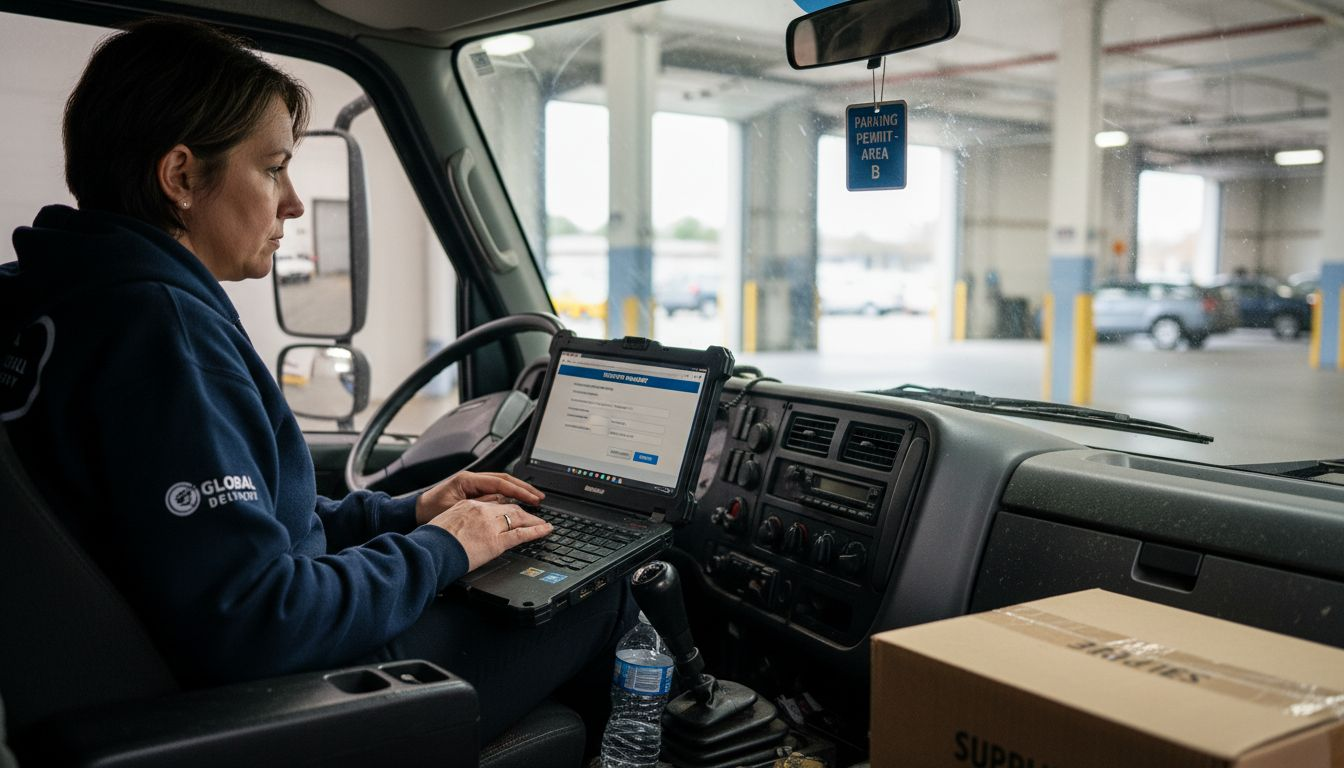
Next, adjust the device settings to optimize performance. Set the frequency band to match your cellular provider’s strongest network coverage and enable automatic band switching to maintain consistent connectivity. Configure bandwidth allocation settings to prioritize critical fleet communication applications and implement quality of service rules that ensure mission critical data transmissions receive priority.
Pro tip: Create a standardized configuration template for all fleet hotspot devices to maintain consistent network settings and simplify future device management.
Step 3: Install devices securely in each vehicle
Securing hotspot devices in fleet vehicles requires careful planning and strategic installation to ensure optimal performance and protection. Your goal is to create a stable and reliable connectivity solution that withstands the dynamic environment of commercial transportation.
Begin by identifying suitable mounting locations that provide both accessibility and protection for your hotspot devices. Vehicle communication regulations recommend installing devices away from direct sunlight and extreme temperatures. Use professional mounting brackets designed for commercial vehicles that can absorb vibration and prevent device movement during transit. Ensure the mounting location allows clear signal transmission and does not interfere with vehicle controls or driver visibility.
Pay special attention to power connections by utilizing dedicated vehicle power adapters with surge protection. Route power cables carefully along existing vehicle wiring harnesses to prevent potential damage and ensure a clean installation. Implement strain relief techniques to prevent cable disconnection during vehicle movement and protect electrical connections from moisture and environmental stress.
Below is a summary of key hotspot device installation considerations for fleet vehicles:
| Consideration | Impact on Connectivity | Fleet Benefit |
|---|---|---|
| Vibration-resistant mounting | Reduces signal loss | Reliable operation during transit |
| Power surge protection | Prevents device failure | Lower maintenance costs |
| Temperature shielding | Maintains device function | Stable year-round connectivity |
Pro tip: Photograph each vehicle’s hotspot installation to create a standardized reference guide for consistent deployment across your entire fleet.
Step 4: Connect fleet devices to the new network
Connecting your fleet devices to the newly configured mobile hotspot network requires a systematic and secure approach. This critical step ensures that all vehicle communication systems can seamlessly integrate and maintain consistent connectivity across your logistics operations.
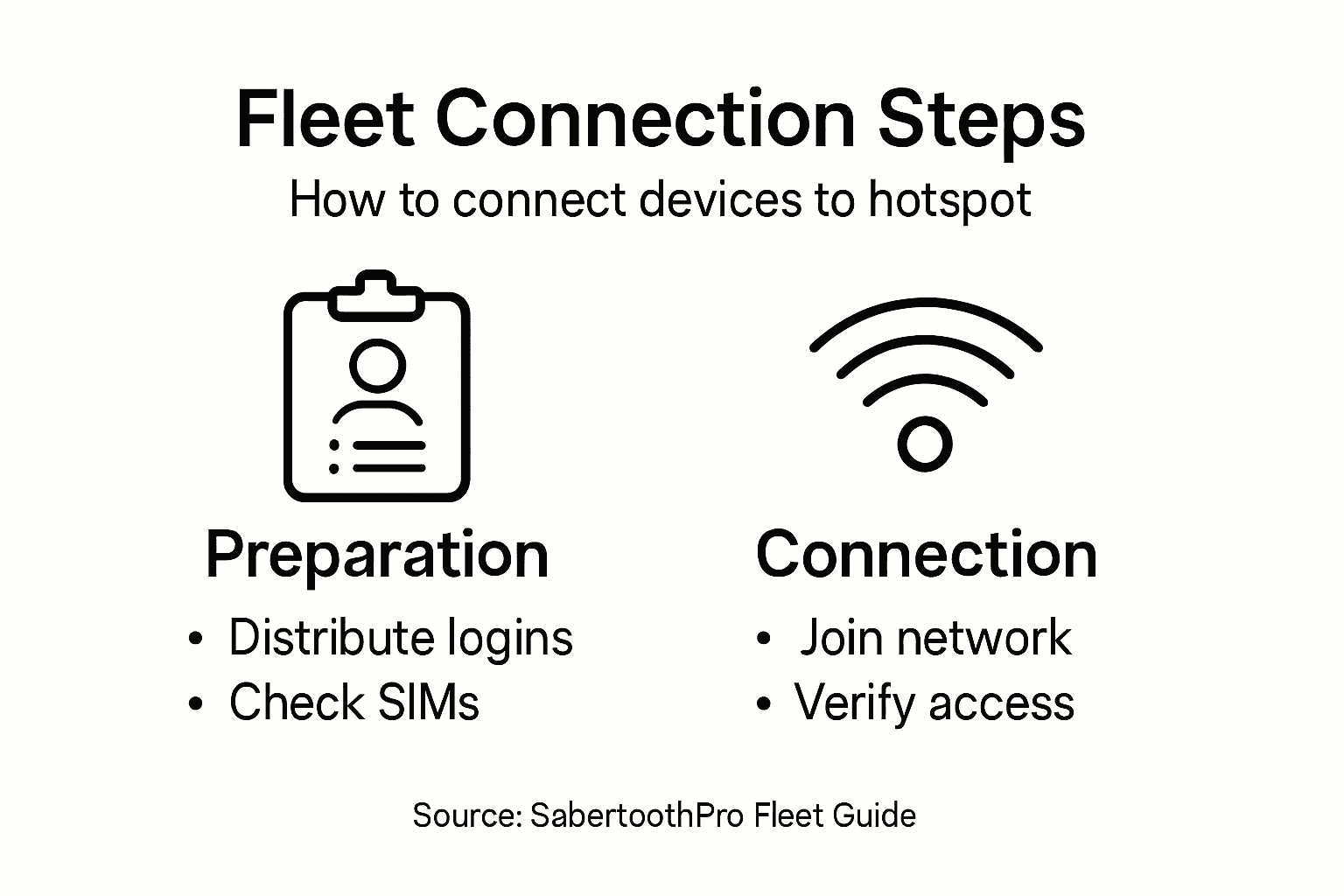
Begin by distributing the network credentials to authorized personnel and drivers. Hotspot connection instructions recommend having a standardized process for device authentication. For each vehicle device, navigate to the wireless network settings and select your newly created fleet network. Enter the complex password you established during the configuration phase and verify the connection by testing data transmission and signal strength.
Implement a device management protocol that requires periodic reconnection and credential verification. Configure devices to automatically reconnect to the fleet network when in range, but also establish a manual override procedure for situations requiring network switching or troubleshooting. Ensure each device maintains a secure connection by enabling automatic network security updates and implementing endpoint protection measures that safeguard your mobile communication infrastructure.
Pro tip: Create a digital fleet device connection tracking spreadsheet to monitor network access and quickly identify any connectivity issues across your vehicle fleet.
Step 5: Test and confirm stable internet access
Validating the internet connectivity for your fleet network is a critical step that ensures your logistics operations remain seamlessly connected. The goal is to comprehensively verify network performance across all vehicle devices and identify any potential signal or transmission issues before full deployment.
Begin by conducting systematic connectivity tests using network diagnostic commands to evaluate signal strength and data transmission reliability. Use ping commands to measure network responsiveness and run speed tests on multiple devices simultaneously. Select several vehicles strategically positioned to represent different geographic areas and network conditions. Verify consistent download and upload speeds, minimal latency, and stable connection maintenance during extended periods.
Implement a comprehensive testing protocol that includes both automated and manual verification processes. Configure network monitoring software to track connection quality in real time and establish baseline performance metrics. Create a standardized reporting system where drivers can quickly log and report any connectivity interruptions or signal degradation. This approach allows for rapid identification and resolution of potential network issues before they impact your fleet operations.
Pro tip: Develop a fleet connectivity dashboard that provides real-time network performance insights and automatically alerts technical teams about potential connection problems.
Unlock Seamless Fleet Connectivity with SabertoothPro Solutions
Setting up a reliable hotspot network for your fleet involves tackling challenges like device durability, secure configurations, and consistent internet access. This article highlights key concerns such as selecting rugged hardware, configuring secure WPA2 settings, and ensuring power surge protection to keep your vehicles connected on the move. If you want to avoid downtime and maintain strong mobile internet across your fleet SabertoothPro offers tailored solutions designed for these exact needs.
Discover our range of high-performance Titan WiFi hotspot devices and flexible Titan WiFi hotspot plans built to deliver robust 4G LTE and 5G connectivity. Our proven technology addresses common fleet pain points like signal loss and network security while simplifying device management.

Ready to transform your fleet’s connectivity today Explore SabertoothPro.com for industry-leading internet solutions and expert support. Don’t let network interruptions slow your operations Secure your fleet’s future with reliable mobile internet and scale confidently with our comprehensive technology stack.
Frequently Asked Questions
What equipment do I need to set up hotspot connectivity for my fleet?
To set up hotspot connectivity, you need compatible hotspot devices and SIM cards with suitable data plans. Start by choosing robust hotspot models designed for vehicles and ensure the SIM cards support the necessary cellular frequencies for your fleet’s routes.
How do I configure the hotspot settings for my fleet vehicles?
Configure your hotspot settings by accessing the management interface, creating a unique network name (SSID), and setting a strong password for security. Adjust the frequency band for optimal connection, enable automatic band switching, and prioritize critical applications to ensure reliable performance.
What are the best practices for securely installing hotspots in vehicles?
Securely install hotspot devices by selecting appropriate mounting locations that protect them from extreme temperatures and vibrations. Use professional mounting kits, ensure clear signal transmission, and connect devices to a stable power source to maintain optimal connectivity during vehicle operation.
How can I connect my fleet devices to the new hotspot network?
Connect your fleet devices by sharing the network credentials with authorized personnel and following a standardized process for device authentication. Ensure each device can automatically reconnect when in range, and implement a protocol for periodic reconnection and credential verification to maintain security.
What steps should I take to validate internet connectivity for my fleet?
To validate internet connectivity, conduct systematic connectivity tests using diagnostic commands to measure signal strength and data transmission reliability. Use multiple vehicles in different locations to ensure consistent performance, and establish a reporting system for drivers to log any connectivity issues promptly.