


Internet for RV Travelers Guide: Reliable Setup for 2025
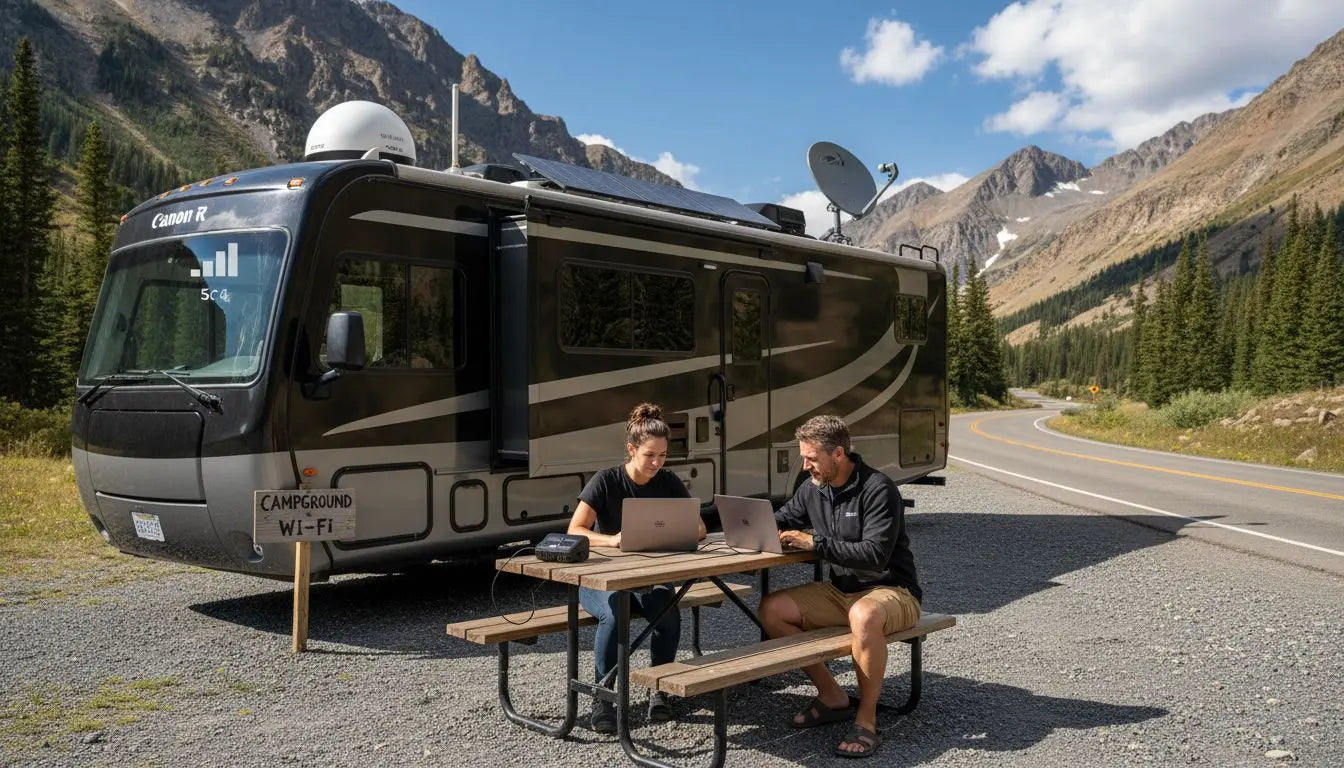
Over 44 million Americans plan to travel by RV this year, and staying connected on the road has become a real challenge for many. Reliable internet is no longer just a luxury for RV travelers who work, stream, and navigate on the go. With spotty signals and unpredictable coverage, finding the right setup is vital. This guide shows how to assess your needs, choose smart solutions, install security, optimize your connection, and troubleshoot issues for worry-free RV internet access.
Table of Contents
- Step 1: Assess Connectivity Needs And Travel Locations
- Step 2: Choose The Right RV Internet Solutions
- Step 3: Install Devices And Configure Security Settings
- Step 4: Optimize Signal Strength And Data Usage
- Step 5: Test And Troubleshoot Internet Performance
Quick Summary
| Key Point | Explanation |
|---|---|
| 1. Assess connectivity needs before travel | Map your route and analyze cellular coverage to identify strong signal areas and potential dead zones. |
| 2. Employ a multi-layered internet solution | Combine multiple connectivity methods like cellular, satellite, and campground Wi-Fi to enhance reliability. |
| 3. Secure devices and network settings | Ensure proper installation and use strong passwords and WPA3 encryption to protect your internet connection. |
| 4. Optimize signal strength for better connectivity | Position devices strategically and use external antennas to strengthen signals, especially in remote areas. |
| 5. Regularly test and troubleshoot internet performance | Run speed tests and create a troubleshooting workflow to maintain reliable connectivity throughout your travels. |
Step 1: Assess Connectivity Needs and Travel Locations
RV travelers face unique internet connectivity challenges that demand strategic planning and thoughtful assessment. According to the RV Industry Association, 28 million Americans are hitting the road this year, making reliable internet connectivity more critical than ever for work, navigation, entertainment, and staying connected.
To effectively assess your connectivity needs, start by mapping out your travel route and understanding the cellular coverage along your planned journey. Research cellular network maps from major providers like Verizon, AT&T, and T Mobile to identify areas with strong signal strength. Create a detailed spreadsheet tracking potential dead zones and alternative connectivity options such as campground Wi Fi or satellite internet services. Consider your primary internet requirements such as remote work video calls, streaming, navigation apps, or simple email communication which will determine the type of mobile internet solution you need.
Your connectivity strategy should also account for backup options. While mobile hotspots work great in many scenarios, rural areas might require more robust solutions like signal boosters or dedicated RV internet devices. Pew Research emphasizes the importance of comprehensive broadband data collection, which means being proactive about understanding your specific connectivity landscape will help you stay connected no matter where your adventures take you.
Pro Tip: Always pack a backup internet solution such as a secondary mobile hotspot or portable satellite device to ensure you remain connected even if your primary method fails. This redundancy can be a trip saver when traveling through remote areas with unpredictable cellular coverage.
As you prepare for your next RV journey, understanding and planning your connectivity needs will transform your travel experience from potentially frustrating to seamlessly connected.
Step 2: Choose the Right RV Internet Solutions
Selecting the optimal internet solution for your RV travels requires understanding the diverse connectivity options available. According to RV Brands, successful full-time RV living demands a strategic approach to internet access that combines multiple connectivity methods to ensure consistent online connectivity.
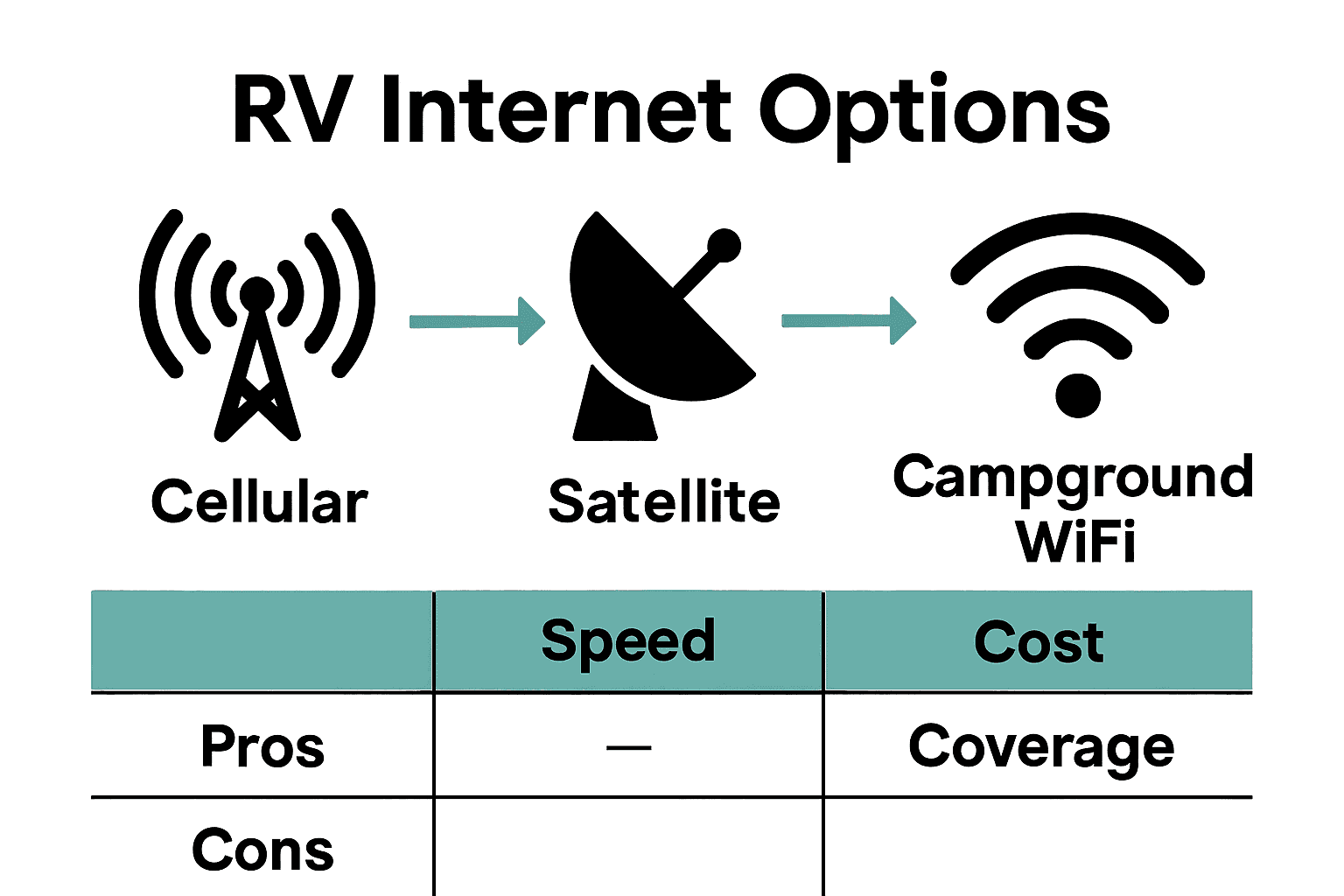
Your primary internet solutions will typically include cellular data plans, mobile hotspots, satellite internet, and campground Wi-Fi. Mobile hotspots from major carriers like Verizon, AT&T, and T-Mobile offer widespread coverage and flexibility. For more consistent internet in remote areas, consider satellite internet services like Starlink RV, which provides high-speed connectivity even in locations with limited cellular infrastructure. When evaluating these options, compare data plans, network coverage maps, monthly costs, and potential speed limitations.
To maximize your internet reliability, implement a multi-layered connectivity strategy. This might involve using a primary cellular data plan with a secondary mobile hotspot as backup, complemented by Wi-Fi access at campgrounds or public locations. Some RV internet devices now offer advanced features like signal boosters and multi-carrier SIM capabilities, which can significantly enhance your connection consistency.
Pro Tip: Invest in a robust mobile router that supports multiple cellular bands and can accommodate different carrier SIM cards. This flexibility allows you to switch between networks when one experiences weak signals, ensuring you remain connected during your travels.
By carefully selecting and combining internet solutions, you can create a reliable connectivity setup that keeps you online no matter where your RV journey takes you.
Step 3: Install Devices and Configure Security Settings
Installing and securing your RV internet devices is crucial for maintaining reliable and protected connectivity during your travels. GlobalData highlights the critical importance of secure device installations and configurations to safeguard traveler data in an increasingly connected digital ecosystem.
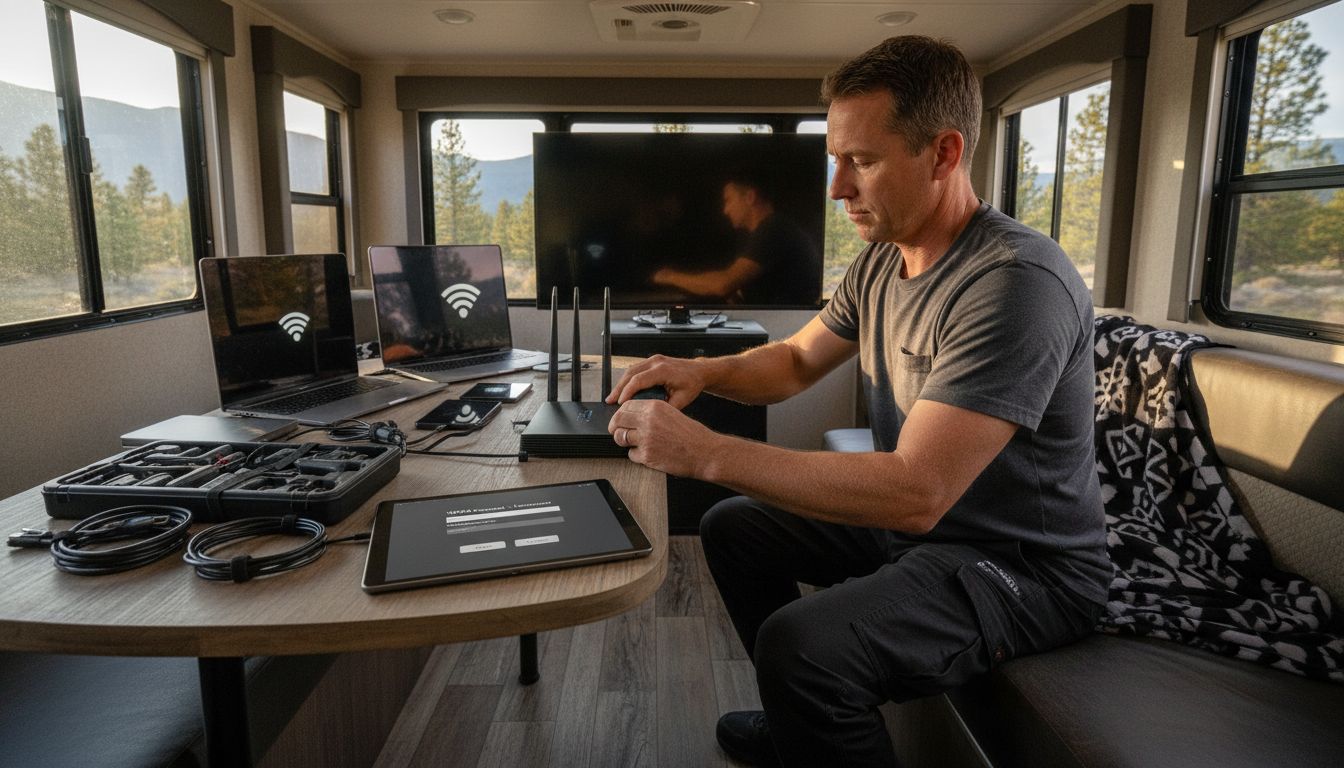
Begin by carefully mounting your mobile router or signal booster in a central location within your RV. Ensure the device has clear line of sight to cellular towers and is protected from direct sunlight and moisture. Configure your network settings by creating a strong unique password that includes a mix of uppercase and lowercase letters, numbers, and special characters. Enable WPA3 encryption if available, which provides the most advanced security protocol for wireless networks. Set up a separate guest network if your router supports it to provide additional protection for your primary devices.
As recommended by the OECD report, implementing secure Wi-Fi networks is essential for protecting your digital infrastructure. Consider additional security measures such as using a virtual private network (VPN) when connecting to public Wi-Fi networks, updating your device firmware regularly, and disabling remote management features that could potentially expose your network to unauthorized access.
Pro Tip: Create a separate mobile hotspot account or use a dedicated mobile router with its own data plan to isolate your primary internet connection from potential security risks.
By taking a proactive approach to device installation and security configuration, you can ensure a safe and reliable internet experience throughout your RV adventures.
Step 4: Optimize Signal Strength and Data Usage
Maximizing your RV internet connectivity requires strategic planning and smart optimization techniques. According to the RV Industry Association, travelers are increasingly seeking destinations with reliable internet connectivity, making signal optimization more critical than ever for a seamless travel experience.
To enhance your signal strength, start by positioning your mobile router or antenna near windows with the best cellular tower visibility. Consider investing in a directional external antenna that can be manually aimed to capture the strongest signal. Experiment with different frequencies like 2.4 GHz for broader coverage and 5 GHz for faster speeds in closer proximity. Minimize signal interference by keeping your devices away from metal surfaces, microwaves, and other electronic equipment that might disrupt wireless transmission. OECD research emphasizes that monitoring and optimizing connectivity directly impacts your overall travel experience and digital productivity.
Manage your data usage by implementing smart consumption strategies. Use offline maps, download content before traveling, and leverage Wi-Fi whenever possible to conserve cellular data. Most mobile carriers offer data tracking apps that help you monitor and control your usage in real time. Set up automatic data alerts to prevent unexpected overage charges and consider purchasing travel-specific data plans that offer more flexibility for RV travelers.
Pro Tip: Invest in a signal booster that can amplify weak cellular signals and extend your internet range, especially when traveling through rural or remote areas with limited connectivity.
By taking a proactive approach to signal optimization and data management, you can ensure a reliable and cost effective internet experience throughout your RV adventures.
Step 5: Test and Troubleshoot Internet Performance
Testing and troubleshooting your RV internet connectivity is essential for maintaining a reliable digital experience during your travels. RV Industry Association data reveals that 44 million Americans plan to travel by RV this summer, highlighting the critical need for robust and dependable internet solutions.
Begin your performance testing by running multiple speed tests at different times of day and in various locations. Use reputable speed test websites or mobile apps to measure download and upload speeds, latency, and connection stability. Pay close attention to variations in signal strength and identify potential dead zones within and around your RV. If consistent performance issues arise, systematically troubleshoot by checking your equipment connections, repositioning your router or antenna, and verifying your cellular data plan settings. Consider using diagnostic tools provided by your mobile carrier or third party apps that offer comprehensive network performance analysis.
Develop a troubleshooting workflow that includes basic steps like restarting your mobile router, checking for firmware updates, and verifying your SIM card is properly inserted. Keep a backup internet solution such as a secondary mobile hotspot or portable satellite device to ensure you remain connected during primary network failures. RV Industry Association reports that 28 million Americans plan RV trips during winter, underscoring the importance of having reliable backup connectivity options.
Pro Tip: Create a digital troubleshooting kit with spare cables, a compact router, signal boosting accessories, and a list of local cellular provider stores along your planned route in case you need immediate technical support.
By proactively testing and maintaining your internet infrastructure, you can minimize connectivity disruptions and ensure a smooth digital experience throughout your RV adventures.
Stay Connected on Every Mile of Your RV Journey with SabertoothPro
Traveling by RV brings freedom and adventure yet staying reliably connected is often a big challenge. The guide highlights crucial pain points such as unpredictable cellular coverage, the need for backup internet solutions, and optimizing signal strength and data usage to ensure smooth connectivity wherever your travels take you. You want a solution that combines flexibility, speed, and security without the stress of dropped connections or complicated setups. SabertoothPro offers advanced, easy-to-use devices designed to meet exactly these challenges with our high-speed 4G LTE and 5G Titan WiFi hotspots and comprehensive Titan WiFi hotspot plans. From compact routers to signal boosters that amplify weak signals, we provide everything to keep your digital life seamless on the road.

Don’t let poor internet slow you down when you deserve reliable, fast service that supports work, entertainment, and safety on the road. Visit SabertoothPro today and explore our full range of WiFi extenders and connectivity products that give you peace of mind and true mobility. Take control of your RV internet experience now and start your next trip fully prepared with reliable technology tailor-made for travelers like you.
Frequently Asked Questions
How can I assess my connectivity needs for RV travel?
To assess your connectivity needs, map out your travel route and evaluate cellular coverage along it. Use cellular network maps to identify strong signal areas and note potential dead zones before your trip.
What are the best internet solutions for RV travelers?
The best internet solutions for RV travelers include cellular data plans, mobile hotspots, satellite internet, and campground Wi-Fi. Combine these options for a multi-layered approach that ensures consistent connectivity throughout your journey.
How do I install my RV internet devices securely?
Securely install your RV internet devices by mounting your router in a central location with a clear line of sight to cellular towers. Protect it from sunlight and moisture, and set a strong password while enabling the latest encryption for enhanced security.
What steps can I take to optimize my RV internet signal strength?
To optimize signal strength, position your router near windows for better visibility of cellular towers and consider using a directional antenna. Reduce interference by keeping devices away from metal and electronic equipment to ensure a reliable connection.
How can I troubleshoot internet performance while traveling?
Troubleshoot internet performance by running speed tests at various times and locations. If issues arise, check connections, reposition the router, and keep a backup internet solution handy to maintain connectivity until the problem is resolved.
What backup options should I have for internet connectivity in my RV?
Always pack a secondary mobile hotspot or portable satellite device as a backup internet solution. This redundancy ensures that you remain connected, even if your primary internet method fails.
Recommended
- Comment utiliser internet mobile en Amérique : Guide Pratique Nov-2025 | SimCornerAustralia Comment utiliser internet mobile en Amérique : Guide Pratique Nov-2025 | SimCornerAustralia
- 7 Types de connectivité internationale à maîtriser Nov-2025 | SimCornerAustralia 7 Types de connectivité internationale à maîtriser Nov-2025 | SimCornerAustralia