


Enterprise WiFi Optimization for Reliable Connectivity

Outages and slow internet can bring business operations to a crawl when hybrid teams depend on seamless connectivity. For Mid-Atlantic enterprises, reliable WiFi is more than convenience—it is the backbone of remote collaboration and customer engagement. A comprehensive WiFi infrastructure assessment uncovers performance gaps and supports strategic upgrades, offering practical guidance to help your organization build a secure and optimized network for today’s demands.
Table of Contents
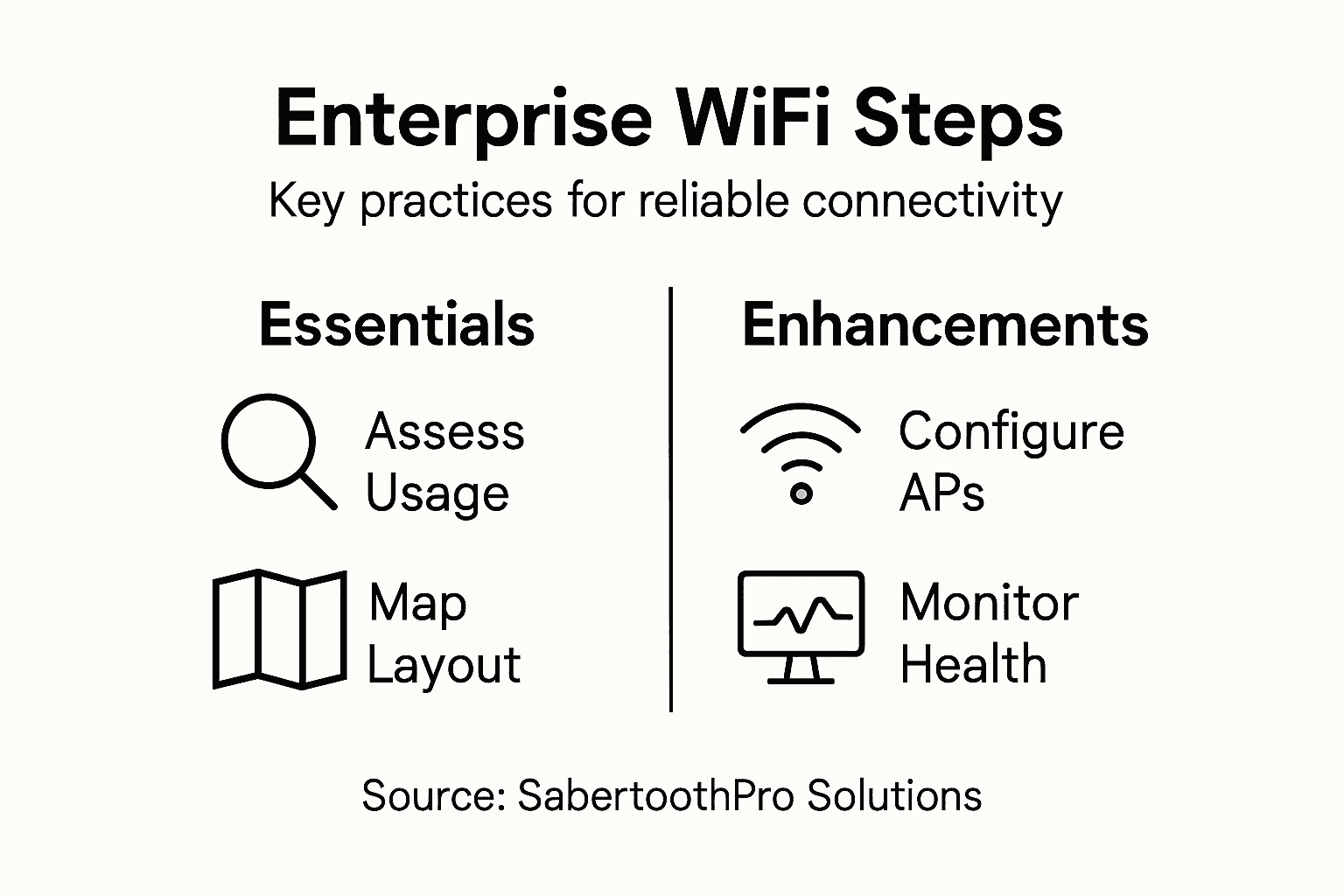
- Step 1: Assess Current WiFi Infrastructure And Usage
- Step 2: Design Optimal Network Layout And Coverage
- Step 3: Configure Access Points For Peak Performance
- Step 4: Implement Robust Security And Segmentation
- Step 5: Monitor Performance And Resolve Connectivity Issues
Quick Summary
| Key Insight | Explanation |
|---|---|
| 1. Conduct a detailed assessment | Evaluate your current WiFi infrastructure to uncover performance issues and optimization opportunities. |
| 2. Design an optimal layout | Strategically map access points considering physical obstacles and high-traffic areas for best coverage. |
| 3. Configure access points effectively | Adjust settings like channel selection and transmission power to enhance connection quality and minimize interference. |
| 4. Implement robust security measures | Use network segmentation and strict access controls to protect against unauthorized access and potential breaches. |
| 5. Monitor performance continuously | Employ real-time analytics to track network health, enabling proactive troubleshooting and seamless connectivity. |
Step 1: Assess current WiFi infrastructure and usage
Assessing your enterprise WiFi infrastructure provides critical insights into network performance, usage patterns, and potential optimization opportunities. This comprehensive evaluation will help you understand the current state of your wireless connectivity and identify strategic improvements.
To conduct a thorough assessment, focus on gathering data across multiple dimensions. Start by performing a detailed network inventory which includes mapping all wireless access points, routers, switches, and client devices. Utilize network management tools to collect metrics on signal strength, bandwidth utilization, and device connections. Digital infrastructure analysis helps enterprises understand their current connectivity landscape.
Key assessment steps include:
- Conduct a physical site survey to map wireless coverage zones
- Measure signal strength and identify dead zones or weak signal areas
- Analyze bandwidth consumption by department and time of day
- Review current network equipment specifications and age
- Document types of devices connecting to the network
- Examine network logs for performance bottlenecks and connection issues
A comprehensive WiFi infrastructure assessment reveals more than technical details—it uncovers opportunities for strategic network optimization.
Additionally, consider demographic usage patterns by examining internet usage trends across different organizational segments. This data helps understand how various employee groups utilize network resources, which can inform future infrastructure decisions.
Pro tip: Use network monitoring software that provides real-time performance analytics and generates comprehensive reports to streamline your assessment process.
Here’s a quick overview of common WiFi assessment tools and their business benefits:
| Tool Type | Key Metrics Monitored | Business Impact |
|---|---|---|
| Network Inventory Software | Device mapping, hardware specs | Identifies asset gaps, plans upgrades |
| Site Survey Platform | Signal strength, coverage zones | Reveals weak areas, prevents outages |
| Real-Time Analytics Suite | Bandwidth usage, device load | Optimizes capacity, improves user experience |
Step 2: Design optimal network layout and coverage
Designing an optimal network layout is crucial for ensuring comprehensive WiFi coverage and delivering consistent performance across your enterprise environment. This strategic process involves carefully mapping out access points to maximize signal strength, minimize interference, and support the diverse connectivity needs of your organization.
Begin by conducting a comprehensive physical site survey that examines your workspace’s unique architectural characteristics. Network design guidelines recommend creating a detailed floor plan that identifies potential signal obstructions like walls, metal structures, and electronic equipment. Pay special attention to:
- Identify high-traffic areas requiring robust coverage
- Map physical obstacles that might block or weaken wireless signals
- Determine optimal placement for wireless access points
- Consider vertical and horizontal signal propagation
- Plan for future workspace expansion or reconfiguration
- Evaluate potential electromagnetic interference sources
Strategic network layout transforms physical spaces into seamlessly connected digital environments.
Utilize advanced wireless network management techniques that incorporate channel selection, load balancing, and multiband strategies. This approach ensures dynamic spectrum utilization, reducing congestion and improving overall network reliability. Consider implementing dual-band or tri-band access points to provide flexible connectivity options for different device requirements.

Pro tip: Leverage heat mapping software to visualize signal strength and coverage patterns before physically installing access points, saving time and resources.
Step 3: Configure access points for peak performance
Configuring access points for peak performance is a critical step in ensuring robust and reliable enterprise WiFi connectivity. This process involves strategic optimization of wireless network settings to maximize signal strength, minimize interference, and deliver consistent high-quality connectivity across your organization.
Wireless network configuration guidelines recommend a comprehensive approach to access point setup that balances performance, security, and coverage. Focus on these key configuration parameters:
- Select non-overlapping channels to reduce interference
- Adjust transmission power levels for optimal coverage
- Implement dynamic frequency selection
- Configure security protocols and encryption standards
- Enable band steering for efficient device connections
- Set up roaming capabilities for seamless mobile connectivity
Peak performance requires precision: every configuration detail matters in wireless networking.
Leverage the latest Wi-Fi 6E technology to enhance your network’s capabilities. This involves strategically utilizing the 6 GHz band to reduce congestion and improve overall network performance. Multiband configuration allows you to create intelligent coverage layers across 2.4 GHz, 5 GHz, and 6 GHz spectrums, ensuring optimal connectivity for diverse device types and bandwidth requirements.
Compare WiFi access point bands to determine suitability for enterprise environments:
| Band | Range | Performance | Ideal Usage Scenario |
|---|---|---|---|
| 2.4 GHz | Long | Moderate speed, more interference | Legacy devices, wide coverage |
| 5 GHz | Medium | High speed, less interference | High-traffic areas, modern devices |
| 6 GHz | Short | Very high speed, low congestion | Advanced applications, dense wireless zones |
Pro tip: Regularly conduct performance audits and fine-tune access point configurations to maintain peak network efficiency and adapt to changing organizational needs.
Step 4: Implement robust security and segmentation
Securing your enterprise WiFi network requires a multi-layered approach that protects against sophisticated cyber threats while maintaining optimal network performance. This critical step involves creating intelligent network barriers that prevent unauthorized access and limit potential security breaches.
Network segmentation strategies provide a comprehensive framework for protecting your wireless infrastructure. Implement these key security measures:
- Create separate virtual networks for different organizational departments
- Establish strict access control lists (ACLs)
- Deploy enterprise-grade firewalls between network segments
- Implement multi-factor authentication
- Use robust encryption protocols
- Configure intrusion detection and prevention systems
Security is not a product but a continuous process of identifying and mitigating potential vulnerabilities.
Utilize wireless network segmentation techniques to isolate critical systems and limit potential attack surfaces. Zero trust architecture becomes essential, treating every network connection as potentially hostile and requiring continuous verification. This approach ensures that even if one segment is compromised, other network areas remain protected and operational.
Pro tip: Conduct regular security audits and penetration testing to continuously validate and improve your network segmentation strategy.
Step 5: Monitor performance and resolve connectivity issues
Monitoring enterprise WiFi performance is a critical ongoing process that ensures consistent network reliability and rapid problem resolution. By implementing systematic tracking and diagnostic techniques, you can proactively identify and address potential connectivity challenges before they significantly impact your organization’s operations.
Network connectivity diagnostic tools provide essential insights into network health and performance. Develop a comprehensive monitoring strategy that includes:
- Implement real-time network monitoring software
- Set up automated performance alerts
- Track key performance indicators (KPIs)
- Monitor bandwidth utilization
- Record connection latency and packet loss
- Create baseline performance metrics
Continuous monitoring transforms network management from reactive troubleshooting to proactive optimization.
Utilize network diagnostic commands to quickly assess connection quality and identify potential issues. Systematic troubleshooting techniques enable you to methodically diagnose and resolve connectivity problems, ensuring minimal disruption to your organizational workflow. This approach involves understanding root causes, implementing targeted solutions, and preventing recurring network challenges.
Pro tip: Develop a standardized troubleshooting workflow that includes escalation procedures and documents each resolved connectivity issue for future reference.
Elevate Your Enterprise WiFi with SabertoothPro Solutions
Ensuring reliable connectivity and optimal network performance requires more than just routine tweaks. Whether you face challenges in network layout design, access point configuration, or security and segmentation, SabertoothPro understands the complexity behind enterprise WiFi optimization. You need solutions that address bandwidth management, seamless roaming, and robust security all at once to maintain uninterrupted productivity and keep your data safe.

Discover how SabertoothPro’s comprehensive IT and IoT stack solutions can transform your wireless network into a resilient, high-performance infrastructure. Our expertise covers optimized wireless installations, next-generation security frameworks, and scalable IoT connectivity tailored for businesses ready to grow. Don’t settle for average WiFi when your enterprise deserves the best. Visit SabertoothPro.com to explore our offerings and start your journey towards wireless excellence today. Learn more about our innovative Enterprise IT Services designed to maximize network reliability and secure data flow.
Frequently Asked Questions
How can I assess my current Enterprise WiFi infrastructure?
To assess your current Enterprise WiFi infrastructure, start by conducting a thorough network inventory. Map all wireless access points, routers, and client devices while monitoring signal strength and bandwidth utilization. Document this information to identify weak signal areas and create a plan for optimization within the next few weeks.
What steps should I take to design an optimal network layout for WiFi coverage?
To design an optimal network layout, conduct a physical site survey to identify high-traffic areas and potential signal obstructions. Place wireless access points strategically to enhance coverage, considering both horizontal and vertical signal propagation. Plan for future expansion and make necessary adjustments based on your findings within 30 days.
How do I configure access points for peak performance in my Enterprise WiFi network?
To configure access points for peak performance, select non-overlapping channels, adjust transmission power levels, and implement security protocols. Enable features like band steering and roaming capabilities to improve connectivity. Regularly revisit and fine-tune these settings to maintain optimal network performance as device needs evolve.
What security measures should I implement for my Enterprise WiFi network?
Implement key security measures such as creating separate virtual networks for departments and deploying multi-factor authentication. Use robust encryption protocols and regular audits to identify any potential vulnerabilities. Review your security practices quarterly to ensure they remain effective against evolving threats.
How can I monitor the performance of my Enterprise WiFi network effectively?
To monitor the performance of your Enterprise WiFi network, use real-time monitoring software to track key performance indicators like bandwidth utilization and connection latency. Set up automated alerts for performance issues to act swiftly and resolve connectivity challenges. Establish a routine for checking metrics weekly to ensure long-term reliability.
What should I do if I encounter connectivity issues in my Enterprise WiFi network?
If you encounter connectivity issues, use systematic troubleshooting techniques to diagnose the root cause. Start by assessing connection quality with diagnostic commands and create a standardized workflow for resolution. Aim to document and address each issue within 48 hours to prevent recurrence.