


How to Choose Rural Router for Reliable High-Speed Internet

Reliable internet makes all the difference for american remote workers and RV travelers navigating the quiet corners of the Mid-Atlantic, yet nearly one third of rural households still struggle with unstable connections. Staying connected on the road or in secluded regions is no longer just a luxury, but a necessity for work calls, entertainment, and daily life. This guide lays out practical steps to help you assess your needs and choose the right 4G LTE or 5G router, so you can enjoy consistent internet wherever your american journey leads.
Table of Contents
- Step 1: Assess Your Location And Connectivity Needs
- Step 2: Compare Supported Networks And Data Plans
- Step 3: Evaluate Essential Router Features
- Step 4: Check For Security And Future-Proof Options
- Step 5: Test Connectivity And Optimize Placement
Quick Summary
| Key Insight | Explanation |
|---|---|
| 1. Assess Your Location First | Evaluate your geographical environment and existing signal strength to guide router selection. |
| 2. Analyze Network Options Thoroughly | Review available technologies like fixed wireless, satellite, and 5G to determine the best fit for your needs. |
| 3. Prioritize Advanced Router Features | Select routers with dual-band capability, Wi-Fi 6 support, and strong antennas for improved connectivity. |
| 4. Ensure Security is Top-notch | Choose routers with WPA3 encryption and automated updates to protect against evolving cyber threats. |
| 5. Optimize Router Placement | Experiment with positioning for maximum signal strength and consider using a signal extender for larger areas. |
Step 1: Assess Your Location and Connectivity Needs
Before selecting a rural router, you need to conduct a comprehensive evaluation of your specific internet connectivity requirements. Understanding the unique characteristics of your location is critical for making an informed decision about internet infrastructure. Rural connectivity challenges vary significantly across different geographic regions.
Start by thoroughly documenting your geographical environment. Are you situated in a mountainous region, flat prairie, dense forest, or remote valley? Each terrain presents distinct signal propagation challenges. Measure your current cellular signal strength using smartphone apps or dedicated signal mapping tools. Identify which mobile carriers provide the strongest coverage in your specific area. Some rural locations might have strong signals from one carrier while experiencing complete dead zones for another. Document the signal bars, data speeds, and consistency across different times of day and weather conditions.
Next, quantify your internet usage requirements. Calculate the number of devices that will simultaneously connect to your network and estimate bandwidth needs. Remote workers might require more robust connections compared to casual internet users. Video conferencing, large file transfers, and streaming services demand higher performance routers with advanced signal processing capabilities. Rural broadband deployment strategies emphasize the importance of matching technology to specific user needs.
Pro tip: Consider keeping a detailed log of your internet performance and connectivity challenges to help router selection professionals provide more accurate recommendations.
Step 2: Compare Supported Networks and Data Plans
Now that you understand your location requirements, it is time to analyze the available network technologies and data plans suitable for rural connectivity. Rural broadband technologies offer multiple options that cater to different geographical conditions and user needs.
Examine the primary network technologies available in your area: fixed wireless, satellite, DSL, and emerging 5G networks. Each technology presents unique advantages and limitations. Fixed wireless provides direct line of sight connections, satellite offers widespread coverage but higher latency, DSL uses existing telephone infrastructure, and 5G promises high speed with expanding rural reach. Critically assess the download and upload speeds, data caps, contract terms, and pricing structures. Comprehensive network comparisons recommend prioritizing consistent performance over theoretical maximum speeds.
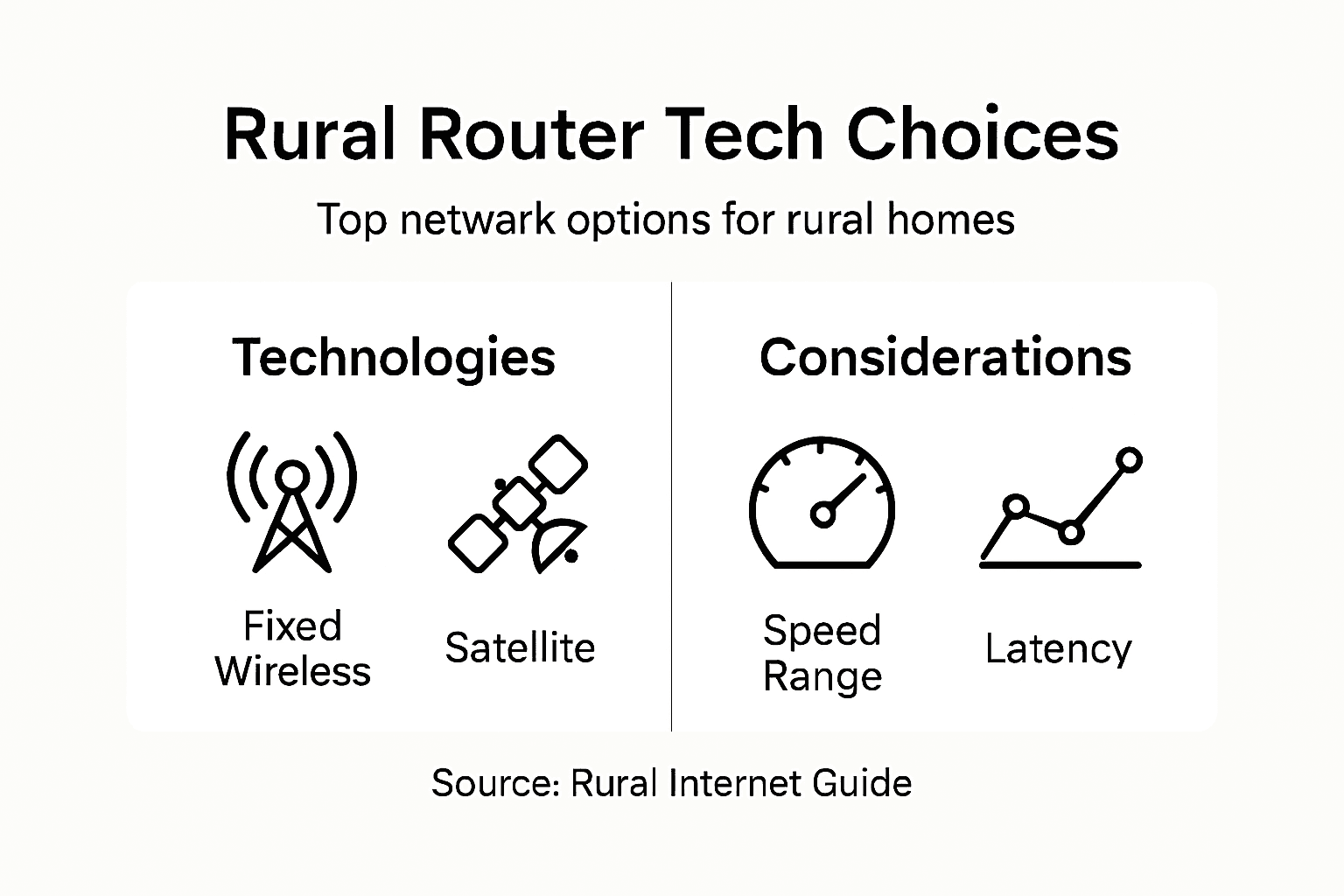
Pay special attention to data plan flexibility. Some rural internet providers offer tiered plans allowing you to scale bandwidth according to your changing needs. Look for plans with no hard data caps, reasonable overage charges, and options to adjust monthly allocations. Consider bundled services that might provide additional value such as included streaming subscriptions or mobile hotspot capabilities. Family plans or shared data options can also significantly reduce overall connectivity expenses.
Here’s a side-by-side comparison of common rural internet technologies and their key impacts:
| Technology | Coverage Area | Typical Speed Range | Latency Effects |
|---|---|---|---|
| Fixed Wireless | Line-of-sight, local zones | 10–100 Mbps | Low to moderate |
| Satellite | Remote, widespread zones | 5–50 Mbps | High |
| DSL | Areas with phone lines | 1–20 Mbps | Low |
| 5G | Expanding urban/rural | 50–1000 Mbps | Very low |
Pro tip: Request trial periods or money back guarantees from providers to test actual network performance before committing to long term contracts.
Step 3: Evaluate Essential Router Features
Understanding the critical router features will help you make an informed decision that matches your rural internet connectivity requirements. Router performance characteristics play a crucial role in ensuring reliable and consistent internet access.
Focus on key technical specifications that directly impact your internet experience. Prioritize routers supporting dual or tri-band frequencies, which provide more stable connections and reduce network congestion. Look for Wi-Fi 6 or Wi-Fi 6E compatibility to future proof your network infrastructure. Antenna strength becomes particularly important in rural environments with potential signal interference from terrain and distance. Rural connectivity challenges demand routers with robust external antennas and advanced signal amplification technologies.

Beyond basic connectivity, examine advanced features that enhance your internet experience. Quality of Service (QoS) settings allow you to prioritize critical bandwidth for work or streaming applications. Parental controls provide network management options, while mesh networking systems can extend coverage across larger rural properties. Consider routers with built in security features like automatic firmware updates, VPN support, and advanced threat protection to safeguard your network against potential vulnerabilities.
This table summarizes essential router features and their impact for rural connectivity:
| Feature | What It Does | Business/Usage Impact |
|---|---|---|
| Dual/Tri-band Wi-Fi | Reduces wireless congestion | More stable connections |
| Wi-Fi 6/6E support | Boosts speed and efficiency | Future-proof performance |
| External Antennas | Improves signal reach | Better coverage in terrain |
| QoS Management | Prioritizes bandwidth | Smoother video calls/work |
Pro tip: Request detailed performance specifications from manufacturers and verify compatibility with your specific rural internet service provider before making a final purchase.
Step 4: Check for Security and Future-Proof Options
Securing your rural router requires a comprehensive approach that protects against current and emerging digital threats. Network security protocols are critical for maintaining your internet infrastructure’s integrity and performance.
Prioritize routers with advanced security features like WPA3 encryption, robust built in firewalls, and automatic firmware update capabilities. These technologies provide multiple layers of protection against potential cyber vulnerabilities. Future proofing network infrastructure involves selecting hardware with modular design and support for emerging technologies such as IPv6. Look for routers that offer guest network isolation, which creates a separate network segment for visitors and prevents unauthorized access to your primary network.
Consider router features that support long term adaptability. Seek out devices with expandable memory, multiple ethernet ports, and compatibility with software defined networking (SDN) principles. These characteristics ensure your router can accommodate increasing bandwidth demands and integrate with emerging smart home or remote work technologies. Pay special attention to manufacturer support timelines, choosing brands that demonstrate consistent firmware updates and a commitment to ongoing security enhancements.
Pro tip: Regularly update router firmware and consider setting up automatic security patches to maintain optimal network protection.
Step 5: Test Connectivity and Optimize Placement
Now that you have selected your rural router, the critical next phase involves strategically testing and positioning your device to maximize internet performance. Router antenna positioning plays a crucial role in achieving reliable rural internet connectivity.
Begin by conducting comprehensive connectivity tests using multiple diagnostic methods. Network connectivity diagnostics recommend performing ping tests, verifying IP configurations, and checking DNS resolution. Experiment with router placement by testing signal strength in different locations. Aim to position your router centrally within your living or working space, preferably elevated and away from potential interference sources like metal objects, thick walls, or electronic devices that might disrupt wireless signals.
Utilize your router’s built in diagnostic tools and consider using external speed testing applications to measure actual performance. Angle your router’s antennas strategically different directions to maximize coverage and minimize signal interference. If your rural property presents challenging terrain, consider mesh networking solutions or signal extenders to ensure consistent connectivity across larger areas. Pay attention to upload and download speeds, latency, and connection stability during different times of day and under various environmental conditions.
Pro tip: Create a signal strength map of your property by walking around with a mobile device to identify optimal router placement and potential dead zones.
Secure Your Rural Internet with SabertoothPro Solutions
If you struggle with inconsistent rural connectivity or want to future-proof your home network against signal dropouts and limited coverage, you are not alone. Choosing the right router goes beyond basic speed—it requires powerful antennas, advanced Wi-Fi standards, and security features tailored for challenging rural environments. SabertoothPro understands these unique challenges and offers specialized solutions designed to enhance your rural internet experience with cutting-edge devices like those found in our Titan WiFi collection.

Don’t let slow connections or network instability limit your productivity and entertainment. Explore our range of top-tier rural routers and Wi-Fi extenders to boost coverage and performance today. Visit SabertoothPro.com to discover tailored internet plans, secure connectivity options, and expert guidance. Take control of your rural internet now and experience reliable high-speed connections built for your unique needs.
Frequently Asked Questions
How do I assess my location for choosing a rural router?
To assess your location, document geographical characteristics like terrain and existing cellular signal strength. Use smartphone apps to measure signal bars and data speeds, and note the performance during different times of day. This will guide you in selecting a router that meets your connectivity needs.
What types of network technologies should I consider for rural connectivity?
You should consider fixed wireless, satellite, DSL, and 5G networks. Evaluate each option’s coverage area, speed range, and latency effects to determine which best fits your specific usage and geographical conditions.
What key features should I look for in a rural router?
Look for features like dual or tri-band Wi-Fi, Wi-Fi 6 compatibility, and strong external antennas. These specifications will enhance connection stability and performance, which is especially important in rural areas with potential obstacles to signal strength.
How can I ensure my rural router is secure and future-proof?
Prioritize routers with advanced security features like WPA3 encryption and automatic firmware updates. Choose devices that support emerging technologies, ensuring your network can adapt to future needs and threats.
What steps should I take to optimize the placement of my rural router?
To optimize placement, position the router centrally and elevated to minimize interference. Test different locations by measuring signal strength until you find the best placement for consistent connectivity throughout your space.
How can I monitor and improve my rural internet connection after setup?
Regularly conduct connectivity tests to assess performance, including speed tests and signal strength checks. If needed, adjust router placement or consider adding signal extenders to boost coverage in areas with weak connectivity.