


Optimizing IoT Connectivity Rural: Boost Reliability Step-by-Step
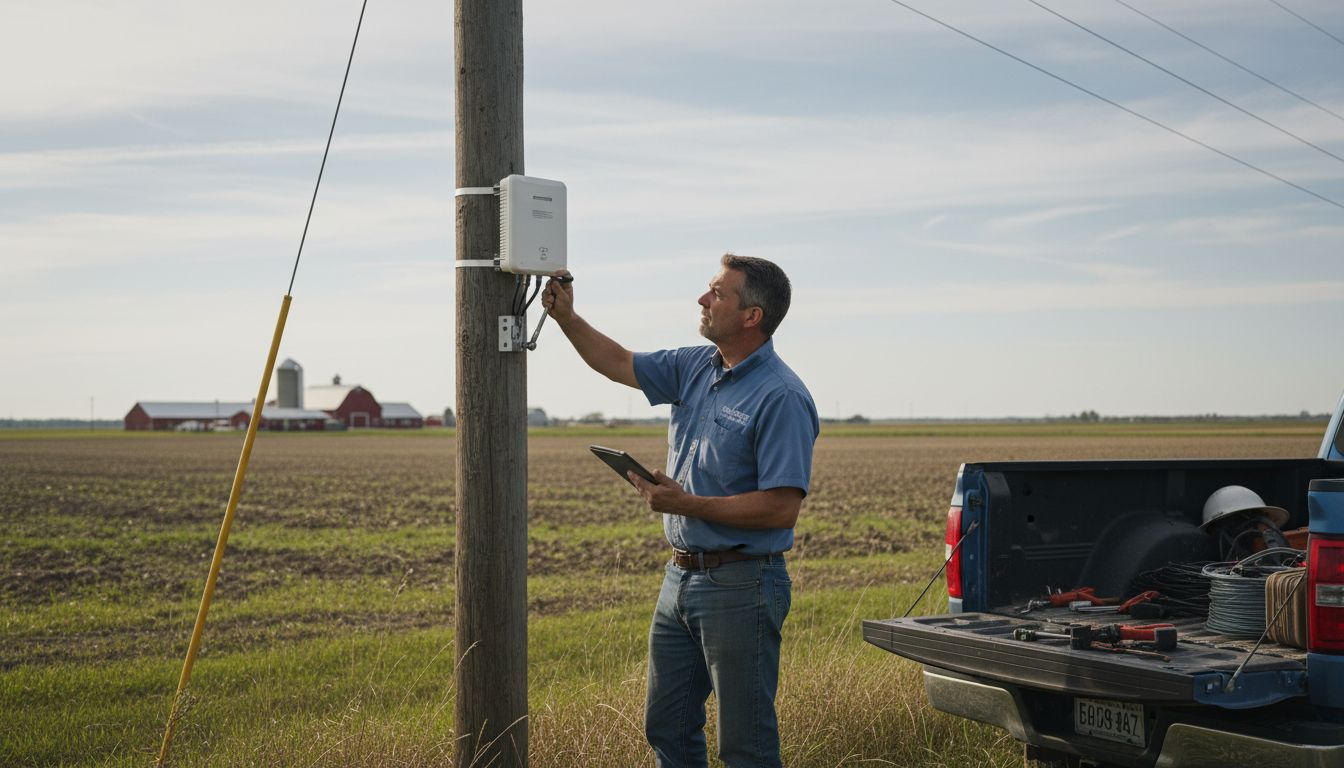
Spotty signals and limited coverage are more than just a hassle for rural business owners—they can stall operations and cut into profits. Reliable IoT connectivity opens new possibilities for farms, manufacturers, and local enterprises across the Mid-Atlantic, but rural infrastructure often complicates those plans. This guide breaks down practical steps for assessing your current network, choosing the right devices, and building a solution that works as hard as you do in challenging environments. Reliable rural network performance starts with understanding what you have and what you truly need.
Table of Contents
- Step 1: Assess Existing IoT Network And Rural Coverage
- Step 2: Select Optimal Wireless Devices And Internet Plans
- Step 3: Implement Scalable IoT Connectivity And Device Management
- Step 4: Verify Performance And Security Of Rural IoT Solutions
Quick Summary
| Key Point | Explanation |
|---|---|
| 1. Assess Your Existing Network | Evaluate current infrastructure and document device performance to identify gaps and areas for improvement. |
| 2. Choose Devices and Plans Wisely | Match device choices and internet plans to rural conditions to ensure reliability and avoid costly mistakes. |
| 3. Implement Scalable Management Practices | Use a structured approach for deploying and managing devices to facilitate future network growth without hassle. |
| 4. Verify Performance and Security Continuously | Establish baseline metrics and conduct regular security audits to promptly address vulnerabilities and maintain performance. |
Step 1: Assess existing IoT network and rural coverage
Before you upgrade or expand your IoT setup, you need a clear picture of what’s already working and where the gaps are. This step forms the foundation for all decisions that follow.
Start by mapping your current network infrastructure. Document every IoT device you operate, where it’s located, and what connectivity method it uses (cellular, Wi-Fi, satellite, or wired). Ask yourself which devices are performing well and which ones drop connection regularly.
Next, test your actual coverage. Coverage maps from providers give you a general idea, but real-world performance tells the truth. Move around your property and your service areas with a signal strength meter or smartphone app to measure actual signal quality.
- Document signal strength in all operational zones
- Note dead zones where devices frequently disconnect
- Record which times of day show the worst performance
- Test speeds during peak and off-peak hours
Research shows that 5G networks can support distributed computing with comparable throughput and low latency, even across sparse rural areas. However, your existing setup might use older technology. Understanding your baseline helps you recognize what upgrades would actually move the needle.
Contact your current provider and request a detailed coverage report for your specific location. Many providers offer free site surveys. During this conversation, ask about their infrastructure plans in your area over the next 12 to 24 months.
There’s another critical piece: identify regulatory or permitting challenges that might affect your options. Rural connectivity improvements sometimes face unique barriers beyond funding, including permitting and local administrative capacity, so knowing these obstacles early prevents wasted effort later.
When evaluating your network, create a simple spreadsheet listing each device, its location, current performance rating, and any reliability issues you’ve experienced. This becomes your reference document for the entire optimization process.
Your assessment determines which solutions actually make sense for your operation—don’t skip this step based on general coverage claims.
Pro tip: Document your findings with photos and timestamps, especially problem areas, so you can measure improvement after implementing changes and justify upgrades to decision-makers.
Step 2: Select optimal wireless devices and internet plans
Now that you understand your current network, it’s time to choose devices and plans that actually match your rural reality. The right selection prevents costly mistakes and ensures reliable performance.
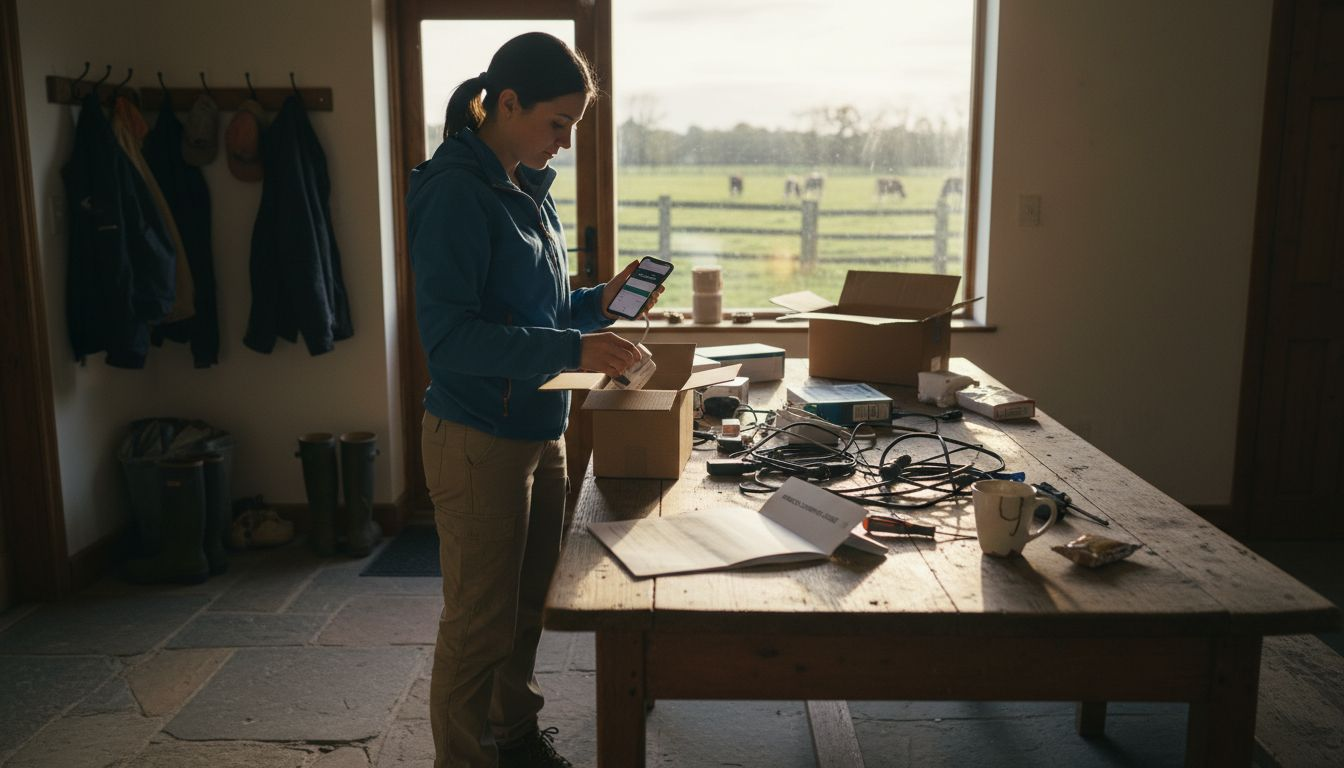
Start by matching your device choices to your operational needs. Consider the specific devices you need to connect—sensors, cameras, gateways, or mobile equipment—and their role in your business. Different devices work better with different wireless technologies depending on range, power consumption, and coverage availability in rural areas.
Understand your wireless protocol options. LoRa, Zigbee, Bluetooth LE, and Z-Wave each have distinct strengths. LoRa excels at long-range communication with low power draw, making it ideal for scattered sensors across large properties. Zigbee and Z-Wave work well for shorter-range mesh networks. Your choice depends on your specific environment and device distribution.
Here’s how popular wireless protocols fit rural IoT needs:
| Protocol | Range Capability | Power Consumption | Ideal Use Case |
|---|---|---|---|
| LoRa | Up to 10 miles outdoors | Very low | Wide-area sensor networks |
| Zigbee | Up to 300 feet indoors | Low | Indoor mesh device clusters |
| Bluetooth LE | 100-300 feet indoors | Low | Mobile equipment pairing |
| Z-Wave | 100 feet indoors | Low | Home automation controls |
- Evaluate range requirements for each device or sensor
- Assess power consumption to determine battery life needs
- Check protocol compatibility across your entire device ecosystem
- Consider future expansion when selecting your base infrastructure
When selecting devices, understanding multi-protocol compatibility and network security risks becomes critical for rural operations. Devices that work well in urban settings may struggle when spread across open land with inconsistent coverage.
Next, evaluate internet plans based on actual bandwidth and coverage requirements. Many rural business owners underestimate their bandwidth needs. Calculate based on simultaneous device connections, not peak individual device usage. A farm with 50 sensors streaming data intermittently needs a different plan than one with constant video feeds.
For agricultural and rural IoT applications, wireless technology characteristics like range and power consumption directly influence which internet plans provide the best value. Match your plan to your protocol choice—a LoRa-based system may need less data throughput than cellular-connected devices.
Compare providers offering coverage in your specific area. Don’t rely solely on coverage maps. Contact local businesses using similar solutions and ask about their real-world experience. Many providers offer rural-specific plans at competitive rates if you ask.
The cheapest plan rarely performs best—select based on reliability and coverage in your actual location, not price alone.
Pro tip: Request a trial or pilot deployment with your top device and plan choices before committing fully, so you can verify performance in your specific terrain and conditions.
Step 3: Implement scalable IoT connectivity and device management
Implementation is where planning becomes reality. You’ll deploy your network infrastructure, configure device management systems, and establish protocols that let your network grow without constant rebuilding.
Start by setting up your network backbone. Install your primary gateway or edge device in a central location with the best coverage. This serves as the hub connecting your distributed sensors and devices to your internet connection. Position it strategically to minimize signal loss across your operational areas.
Configure your device management platform next. This software layer lets you monitor, control, and troubleshoot devices remotely. Device interoperability and connectivity scalability become critical when managing diverse IoT devices across rural environments. Choose a platform that supports the wireless protocols you’ve selected and scales as you add more devices.
- Set up device registration and authentication protocols
- Configure automated monitoring and alert systems
- Establish naming conventions for easy device identification
- Test remote access and control functions before full deployment
Implement network organization through device segmentation. Group devices by function or location within your management system. Sensors in your north field shouldn’t directly communicate with those in your south field unless necessary. This reduces congestion and improves reliability.
The scalable IoT connectivity model using rural infrastructure supports device self-organization and coordinated management across distributed locations. This approach allows your network to adapt as conditions change without manual reconfiguration.
Roll out devices in phases rather than all at once. Deploy to one area, verify performance, then expand. This staged approach reveals problems before they affect your entire operation. Document any configuration changes or workarounds you discover during deployment.
Establish clear policies for device management. Who can add new devices? How often should you review network performance? What triggers a device replacement? Written procedures prevent confusion and keep your network running smoothly as team members change.
Start small and organized. A well-managed network of 20 devices performs better than a chaotic deployment of 100.
Pro tip: Maintain a physical or digital inventory of every device including its unique identifier, location, purpose, and installation date—this becomes invaluable for troubleshooting and future upgrades.
Step 4: Verify performance and security of rural IoT solutions
Once your network is live, verification isn’t optional. You need to confirm your system performs as intended and resists threats. This step separates resilient networks from those that fail under real-world conditions.
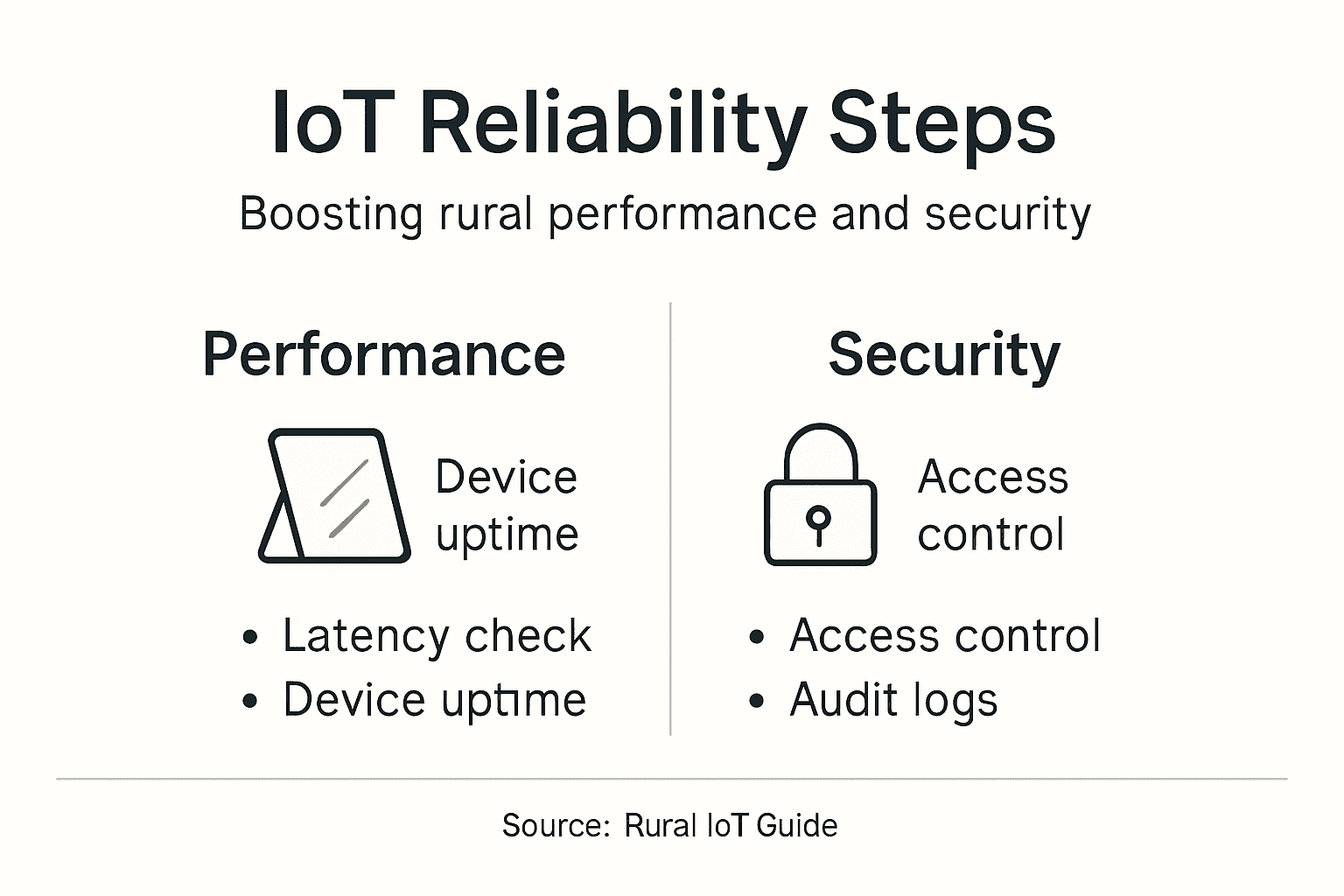
Start by establishing baseline performance metrics. Measure latency, throughput, packet loss, and device response times across different locations. Test during peak usage hours when your network carries the heaviest load. Document these numbers so you can spot degradation early.
Conduct performance tests under realistic conditions. Don’t just measure when everything works perfectly. Simulate network interruptions, add devices gradually, and push your system harder than normal usage demands. This reveals bottlenecks before customers or operations suffer.
- Test connectivity from all operational locations
- Measure response times for critical sensors or devices
- Verify device data arrives complete and uncorrupted
- Check that alert systems trigger properly
Next, address security verification systematically. IoT vulnerabilities and common attack vectors require continuous assessment of device firmware, network security, and communication protocols. Review your devices for outdated firmware and apply updates immediately. Many rural operators overlook this critical step.
Implement network security practices specific to your environment. Check that devices authenticate before connecting to your network. Verify that data transmits using encryption. Test your firewall rules by attempting unauthorized access from outside your network.
Evaluate access controls carefully. Who can view device data? Can anyone add new devices, or just administrators? Restrict permissions based on job roles. A farm worker shouldn’t access billing systems, just the same way a field manager shouldn’t modify payment information.
Monitor your network continuously rather than checking sporadically. Set up automated alerts that notify you of unusual activity, connectivity drops, or security anomalies. Rural networks often operate with lean staff, so automation becomes your extended team.
Security isn’t a one-time verification. Threats evolve constantly, and your defenses must adapt continuously.
Pro tip: Schedule quarterly security audits and performance reviews on your calendar now, treating them like maintenance appointments that cannot be rescheduled—consistency prevents problems from hiding until they cause damage.
Below is a quick summary of rural IoT performance and security best practices:
| Practice | Why It Matters | Business Impact |
|---|---|---|
| Baseline metrics | Benchmarking improvements | Early detection of issues |
| Stress testing | Reveals weak points | Prevents outages and failures |
| Regular firmware updates | Closes security loopholes | Minimizes vulnerability risks |
| Access control review | Restricts unauthorized access | Protects sensitive business data |
Take Control of Your Rural IoT Connectivity with SabertoothPro
The challenge of optimizing IoT connectivity for rural areas requires a clear strategy to boost reliability, manage device security, and handle expanding networks effectively. If you have experienced unreliable connections, dead zones, or complex device management across your large property SabertoothPro offers solutions tailored to overcome these exact pain points. Our high-speed internet options and scalable IoT device management platforms align perfectly with concepts like multi-protocol compatibility, network segmentation, and continuous performance monitoring discussed in the article.
Experience solutions designed to:
- Enhance connectivity with 4G LTE and 5G hotspots that cover rural and hard-to-reach zones
- Secure your network using next-gen firewalls and zero-trust frameworks
- Simplify device management with scalable platforms to monitor and control assets remotely
- Optimize bandwidth and reduce hidden costs with enterprise-grade SD-WAN and cloud services

Ready to stop guessing your connectivity will hold and start having confidence in your rural IoT network? Visit SabertoothPro to explore our IoT Connectivity and Device Management Solutions and our reliable Rural Internet Plans. Take the first step today with a tailored consultation and bring resilience, security, and scalability to your IoT environment now.
Frequently Asked Questions
How can I assess the performance of my existing IoT network in rural areas?
To assess your existing IoT network, start by mapping all connected devices, noting their locations and connectivity methods. Then, test signal strength in various areas and document performance metrics during peak usage times to identify weak spots or dead zones.
What factors should I consider when selecting wireless devices for rural IoT?
When selecting wireless devices, consider factors like range, power consumption, and protocol compatibility. Choose devices based on your specific needs; for example, use LoRa for long-range applications while considering Zigbee or Z-Wave for shorter-range, indoor setups.
How do I implement my IoT network to ensure it scales effectively?
To implement a scalable IoT network, begin by setting up a main gateway in an optimal location for coverage. Organize your devices by function, use device management software, and roll out devices in phases to ensure performance and identify issues early.
What performance metrics should I monitor for my IoT system?
You should monitor latency, throughput, packet loss, and device response times across all operational areas. Regularly check these metrics, especially during peak hours, to catch issues before they impact your operations.
How can I enhance the security of my rural IoT network?
Enhance your IoT network security by regularly updating device firmware and reviewing access controls to restrict unauthorized access. Implement automated alerts for unusual network activity to ensure vulnerabilities are addressed proactively.
What steps can I take to verify my IoT system’s reliability after implementation?
After implementation, verify your IoT system’s reliability by conducting stress tests and performance evaluations under real-world conditions. Document baseline metrics to compare against future performance and identify any degradation in service quickly.