


Step-by-Step Rural Internet Installation Guide for Reliable Access
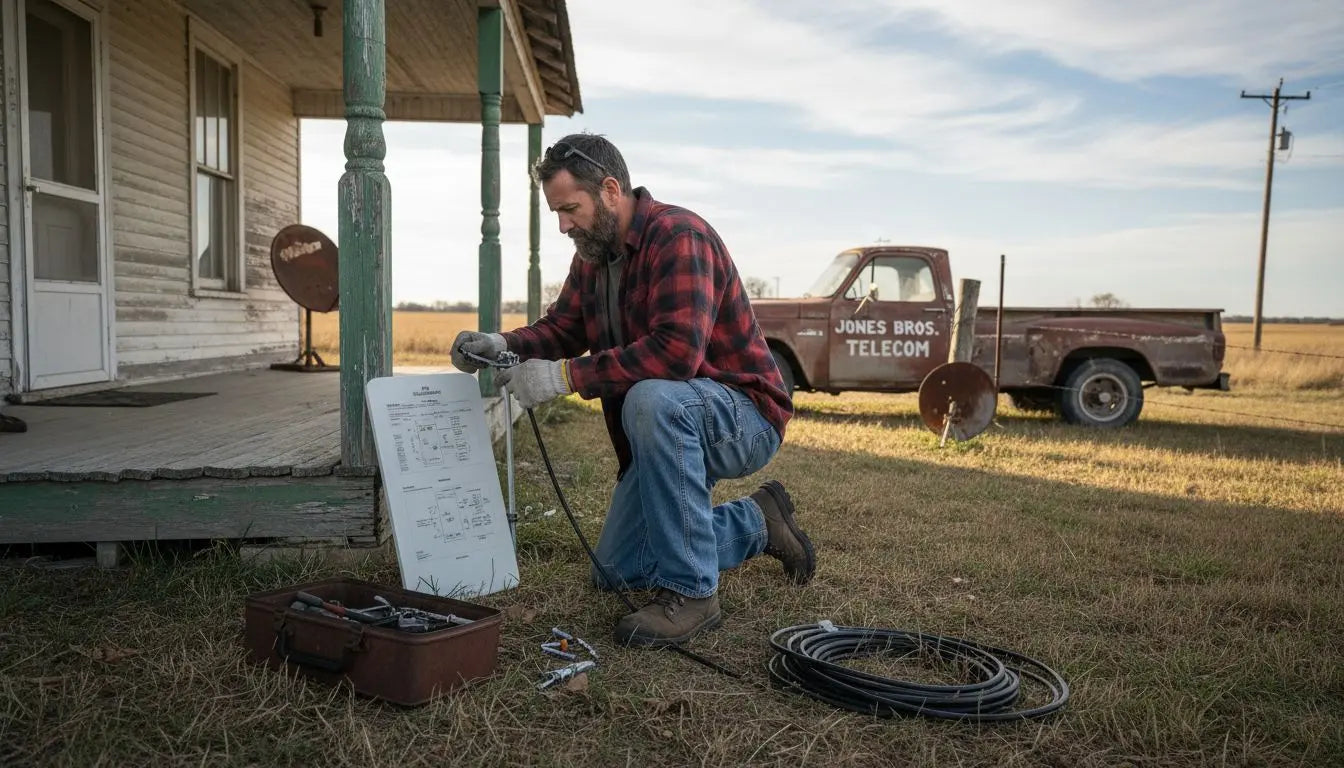
Over one third of American households in rural areas face slow or unreliable internet, making digital access a daily struggle. For anyone living outside city limits, finding the right solution can mean the difference between staying connected and being left behind. This guide breaks down each critical step to help rural American residents achieve faster, more dependable internet with smart planning and informed choices.
Table of Contents
- Step 1: Assess Internet Needs And Site Requirements
- Step 2: Select Optimal Rural Internet Equipment
- Step 3: Prepare Site And Install Network Hardware
- Step 4: Configure Devices And Activate Service
- Step 5: Test Connectivity And Optimize Performance
Quick Summary
| Key Takeaway | Explanation |
|---|---|
| 1. Assess Your Internet Needs | Identify your internet usage patterns and bandwidth requirements to select the best service for your situation. |
| 2. Select Suitable Internet Equipment | Choose equipment that matches your connectivity technology, considering factors like terrain and bandwidth needs. |
| 3. Prepare and Install Network Hardware | Ensure optimal placement and secure installation of your network hardware for reliable performance. |
| 4. Configure Devices and Activate Service | Follow your service provider’s activation process and set up your router to enhance security and performance. |
| 5. Test and Optimize Your Connectivity | Conduct speed tests and adjust settings to improve network performance and address connectivity issues. |
Step 1: Assess Internet Needs and Site Requirements
Before installing rural internet, understanding your specific connectivity requirements is crucial. Conducting a comprehensive assessment helps ensure you select the most appropriate internet solution for your unique location and usage demands. Enhanced data collection strategies provide critical insights into evaluating your broadband needs.
Start by determining your internet usage patterns and bandwidth requirements. Consider how many devices will connect simultaneously and what activities they will perform. Streaming video, remote work, online gaming, and multiple device connections require different levels of internet speed and reliability. Calculate your household or business bandwidth needs by listing all potential internet activities and estimating their data consumption. For rural settings, this assessment becomes even more important since connectivity options can be limited.
Next, perform a thorough site survey of your physical location. Check line of sight for potential wireless connections, assess terrain features that might impact signal strength, and measure the distance from potential internet infrastructure points. Obstacles like dense forests, tall buildings, or significant elevation changes can dramatically affect internet performance. A careful site evaluation will help you anticipate potential challenges and select the most appropriate internet delivery method whether satellite, fixed wireless, or mobile broadband solutions.
Pro Tip: Document your internet speed tests and connectivity challenges to share with potential service providers during your installation consultation.
By meticulously assessing your internet needs and site requirements, you set the foundation for a successful rural internet installation that meets your specific connectivity demands.
Step 2: Select Optimal Rural Internet Equipment
Selecting the right internet equipment is crucial for establishing reliable rural connectivity. Your equipment choices will directly impact your internet performance, speed, and overall user experience. Various internet options suitable for rural areas present unique opportunities for finding the perfect solution for your specific location and needs.
Evaluate the available connectivity technologies for your region, which typically include fixed wireless, satellite, DSL, and emerging 5G solutions. Fixed wireless works best when you have a clear line of sight to a transmission tower, offering more stable connections compared to traditional satellite internet. Satellite internet provides broader coverage but can experience latency issues. Carefully consider the pros and cons of each technology based on your specific terrain, budget, and bandwidth requirements. Pay special attention to equipment specifications like antenna gain, signal strength, and compatibility with local network infrastructure.
When choosing your internet equipment, focus on key components such as modems, routers, and external antennas that can enhance signal reception. Broadband plan analysis from major US internet service providers reveals significant variations in service offerings, so research thoroughly and select equipment that maximizes your connectivity potential. Consider factors like frequency bands, weather resistance, ease of installation, and potential for future upgrades.
Pro Tip: Invest in equipment with strong warranty coverage and technical support to ensure long term reliability in remote settings.
By carefully selecting your rural internet equipment, you create a solid foundation for consistent and dependable internet access that meets your connectivity needs.
Step 3: Prepare Site and Install Network Hardware
Preparing your site for rural internet installation requires careful planning and methodical execution. The goal is to create an optimal environment for your network hardware that ensures maximum signal strength and reliability. FCC recommendations for rural broadband deployment provide critical guidance for establishing a robust internet infrastructure in remote settings.

Begin by selecting the ideal location for your primary network hardware. Choose a central point in your property with minimal physical obstacles and maximum line of sight. This typically means positioning your router or modem near a window or exterior wall with the least interference from thick walls, metal objects, or electronic devices that could disrupt signal transmission. Ensure the area has stable electrical power and adequate ventilation to prevent equipment overheating. Consider mounting external antennas at the highest possible point on your building to improve signal reach and reduce potential interference from terrain or vegetation.
Carefully unpack and install your network hardware following manufacturer specifications. Connect your modem to the designated internet source line, whether satellite, fixed wireless, or cellular signal. Secure all cable connections and verify each component is properly grounded to protect against electrical surges. Configure your router settings to optimize performance, including setting a strong password, updating firmware, and selecting appropriate frequency bands that match your local network infrastructure.
Pro Tip: Use weatherproof enclosures for outdoor equipment and invest in surge protectors to safeguard your network hardware from environmental challenges.
By methodically preparing your site and installing network hardware with precision, you establish a foundation for reliable rural internet connectivity that can withstand the unique challenges of remote environments.
Step 4: Configure Devices and Activate Service
Configuring your devices and activating rural internet service represents the critical final phase of your connectivity journey. This stage transforms your carefully prepared hardware into a functional network that connects you to the digital world. Universal Service Fund programs offer additional support for rural residents seeking to establish reliable internet connections, potentially providing resources to simplify your activation process.
Start by contacting your selected internet service provider to initiate the activation sequence. Have all necessary account information and hardware serial numbers readily available. Follow the provider’s specific activation protocol, which typically involves connecting your modem to their network and registering your equipment. Most providers offer online activation portals or phone support to guide you through this process. Carefully input all required information, verify your account details, and complete any identity verification steps. During this phase, you will likely receive login credentials for your internet service that you will use to configure your router and establish network security.
Once network activation is complete, configure your router settings to optimize performance and security. Create a strong unique password, enable built in security features like WPA3 encryption, and customize your network name. Configure additional settings such as guest network access, parental controls, and bandwidth management to suit your specific needs. Test your connection speed and stability, running multiple connection tests at different times of day to ensure consistent performance across various usage scenarios.
Pro Tip: Keep your service provider support contact information easily accessible and document all activation details for future reference.
By methodically configuring your devices and activating your service, you transform your rural internet installation from hardware to a fully functional communication platform that supports your digital lifestyle.
Step 5: Test Connectivity and Optimize Performance
Testing and optimizing your rural internet connectivity ensures you get the most reliable and efficient network possible. This critical phase helps you validate your installation and identify potential performance improvements. Advanced data platforms for assessing broadband performance provide sophisticated tools for understanding your network’s true capabilities and potential limitations.
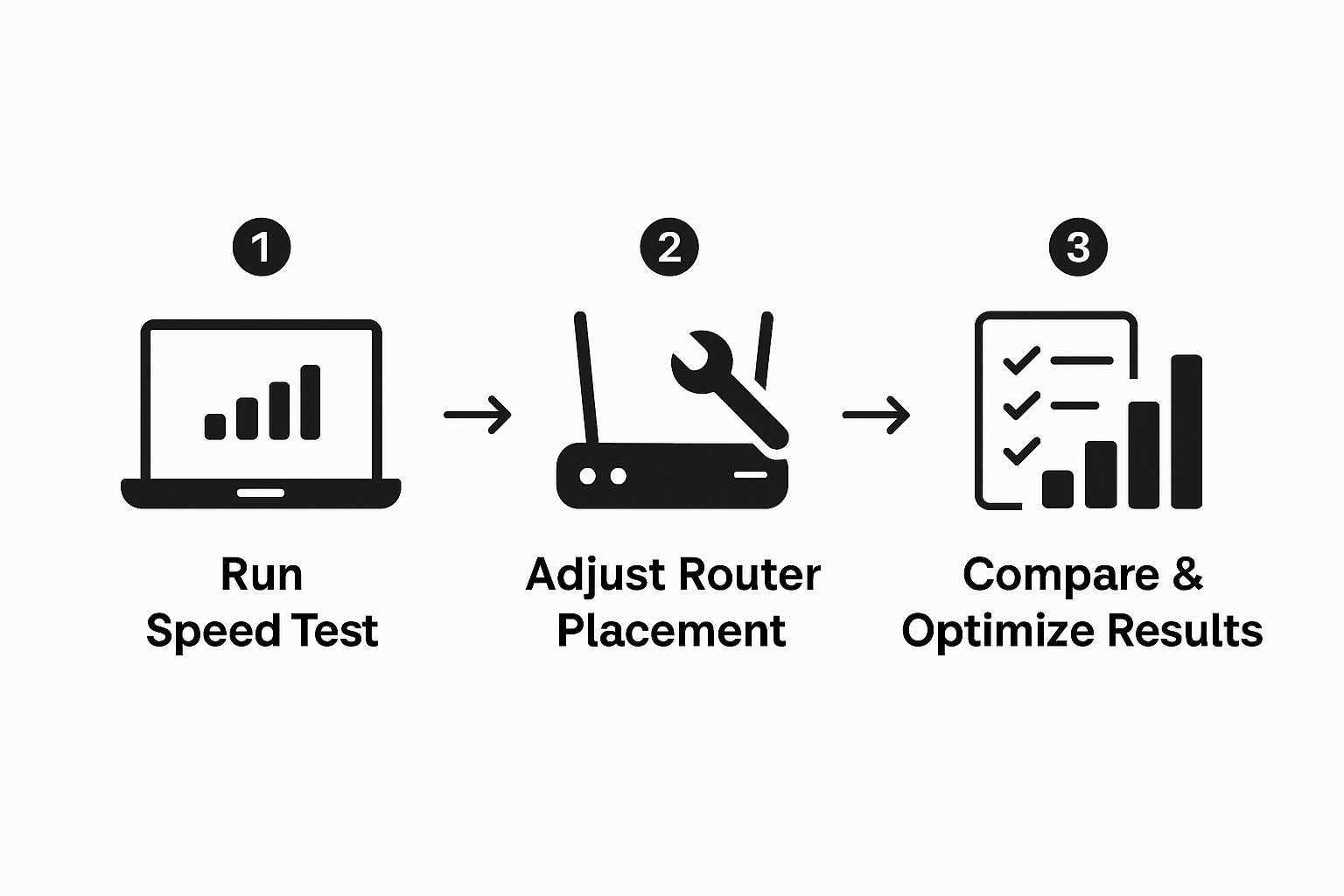
Begin by conducting comprehensive connectivity tests using multiple methods. Use online speed testing websites to measure download and upload speeds, latency, and signal stability. Run tests at different times of day and from various devices to get a complete picture of your network performance. Pay attention to consistency across tests, noting any significant variations that might indicate interference or bandwidth limitations. Compare your actual speeds against the service level promised by your internet provider, and document any discrepancies for potential follow up with your service provider.
Optimize your network performance by strategically adjusting router settings and device configurations. Position your router to minimize signal interference, update firmware regularly, and configure quality of service settings to prioritize critical network traffic. Consider using wired ethernet connections for stationary devices like desktop computers or smart home systems to reduce wireless signal congestion. Explore advanced settings such as channel selection, transmission power, and frequency band optimization to maximize your network’s efficiency and reduce potential interference from neighboring networks.
Pro Tip: Use network monitoring apps to track performance trends and identify potential connectivity issues before they become significant problems.
By methodically testing and optimizing your rural internet connectivity, you create a robust network foundation that supports your digital lifestyle with reliability and consistency.
Unlock Reliable Rural Internet with SabertoothPro Solutions
Installing rural internet can feel overwhelming when facing challenges like limited connectivity options and difficult terrain. This guide highlights crucial steps such as assessing your site requirements and selecting the right equipment to overcome these obstacles. If you want to ensure your rural internet setup delivers strong, consistent signals, partnering with proven technology solutions is essential.
Explore our Titan WiFi collection for powerful routers and devices designed specifically to improve wireless coverage in challenging environments. Complement your setup by browsing our WiFi extenders to boost your network’s reach across your property. 
Take control of your rural internet experience today by visiting SabertoothPro.com. Discover tailored solutions that address your connectivity needs and bring lasting reliability to your home or business. Don’t wait for slow or unstable connections to hold you back—equip yourself with SabertoothPro’s trusted technology now.
Frequently Asked Questions
How can I assess my internet needs before installation?
To assess your internet needs, start by determining your usage patterns and bandwidth requirements. Calculate how many devices will connect at the same time and what activities they will perform, such as streaming or remote work.
What equipment do I need for reliable rural internet?
You will need a modem, router, and possibly external antennas, depending on the type of connection. Focus on equipment that matches your local network infrastructure and offers good signal strength and weather resistance.
What steps should I take to prepare for rural internet installation?
Prepare your site by choosing an optimal location for your network hardware, minimizing physical obstacles, and ensuring stable power supply. Position your router or modem near a window to maximize signal reception.
How do I activate my rural internet service?
To activate your service, contact your chosen internet provider and follow their activation steps, which include connecting your modem and entering your account information. Have your hardware serial numbers ready to streamline the process.
What can I do to test and optimize my internet connectivity?
Conduct speed tests at different times and devices to evaluate your network performance. Optimize by adjusting your router settings and positioning, and ensure you’re using wired connections for stationary devices where possible.
How can I troubleshoot internet connectivity issues after installation?
If you experience connectivity issues, check for any physical obstructions that may have changed, such as new structures or tree growth. Adjust your equipment placement and router settings to enhance signal strength, and document your findings for future reference.