


Step By Step Rural Internet Setup for Reliable Connectivity
Nearly one third of American rural businesses still lack dependable high-speed internet access, limiting growth and stalling daily operations. For small business owners across the Mid-Atlantic, a reliable online connection is no longer optional but vital to compete and thrive. This guide breaks down clear, practical strategies for overcoming rural connectivity barriers and selecting the most effective internet solutions for your American workplace.
Table of Contents
- Step 1: Assess Available Internet Options
- Step 2: Choose Compatible Devices And Plans
- Step 3: Install Connectivity Equipment Securely
- Step 4: Configure Network Settings For Performance
- Step 5: Verify Connection Stability And Speed
- Step 6: Optimize Security And Remote Management
Quick Summary
| Key Point | Explanation |
|---|---|
| 1. Assess available internet technologies | Identify choices such as satellite, fixed wireless, and DSL to find the best fit for your location and needs. |
| 2. Compare providers and plans carefully | Evaluate speeds, data caps, and pricing while considering flexible equipment options from local internet service providers. |
| 3. Install equipment for optimal performance | Position and secure all devices properly to maximize connectivity and protect against environmental challenges. |
| 4. Configure network settings for efficiency | Adjust router settings to reduce interference and enable quality of service for priority applications. |
| 5. Implement strong security measures | Use firewalls, strong passwords, and VPNs to protect your network from cyber threats and unauthorized access. |
Step 1: Assess Available Internet Options
Understanding your rural internet options requires careful research and strategic planning. Rural areas often face unique connectivity challenges, with limited infrastructure making broadband deployment complex.
To effectively assess your internet options, start by identifying the technologies available in your specific location. Your primary choices typically include satellite, fixed wireless, mobile broadband, DSL, and potentially emerging fiber networks. Contact local internet service providers to determine exact coverage maps. Pay special attention to download and upload speeds, data caps, contract terms, and pricing structures. Some rural areas qualify for federal assistance programs like the USDA broadband initiatives that can help offset installation and monthly costs.
Consider scheduling consultations with multiple providers to compare realistic performance expectations for your specific property. Internet connectivity can vary dramatically even between neighboring properties based on terrain, distance from signal towers, and local infrastructure.
Pro Tip: Request trial periods or money back guarantees when possible to test actual internet performance before committing to a long term contract.
Here’s a quick summary of popular rural internet technologies and their key characteristics:
| Technology | Typical Speeds | Availability | Main Advantages |
|---|---|---|---|
| Satellite | 25-150 Mbps download | Wide, global reach | Works in remote areas |
| Fixed Wireless | 10-100 Mbps | Regional/Local | Reliable where towers exist |
| Mobile Broadband | 5-100 Mbps | Varies by carrier | Portable, flexible |
| DSL | 5-50 Mbps | Limited rural reach | Affordable, stable |
| Fiber | 100 Mbps-1 Gbps+ | Emerging, rare rural | Fastest, most stable |
Step 2: Choose Compatible Devices and Plans
Selecting the right internet devices and plans for rural connectivity requires strategic research and careful comparison. Rural households face unique challenges when finding suitable internet solutions that balance performance, affordability, and technological compatibility.
Start by evaluating your specific internet needs based on household size, work requirements, and online activities. Determine your typical bandwidth consumption by considering factors like video streaming, remote work, online gaming, and simultaneous device usage. Research local providers offering fixed wireless, satellite, mobile broadband, or emerging 5G technologies. Compare download and upload speeds, data caps, contract lengths, and equipment costs. Look into affordable connectivity programs that can help offset device and service expenses, especially if you qualify for household assistance.
Prioritize providers offering flexible equipment options and compatibility with multiple devices. Some rural internet solutions require specific modems, routers, or hotspots designed for extended range and signal strength in less populated areas. Request detailed information about equipment specifications, installation requirements, and potential performance limitations specific to your geographic location.
Pro Tip: Always request a trial period or money back guarantee to test actual internet performance before committing to a long term contract.
Step 3: Install Connectivity Equipment Securely
Successfully installing rural internet equipment requires precision, planning, and an understanding of broadband infrastructure challenges. Your goal is creating a reliable network that withstands rural environmental conditions while maintaining optimal performance.

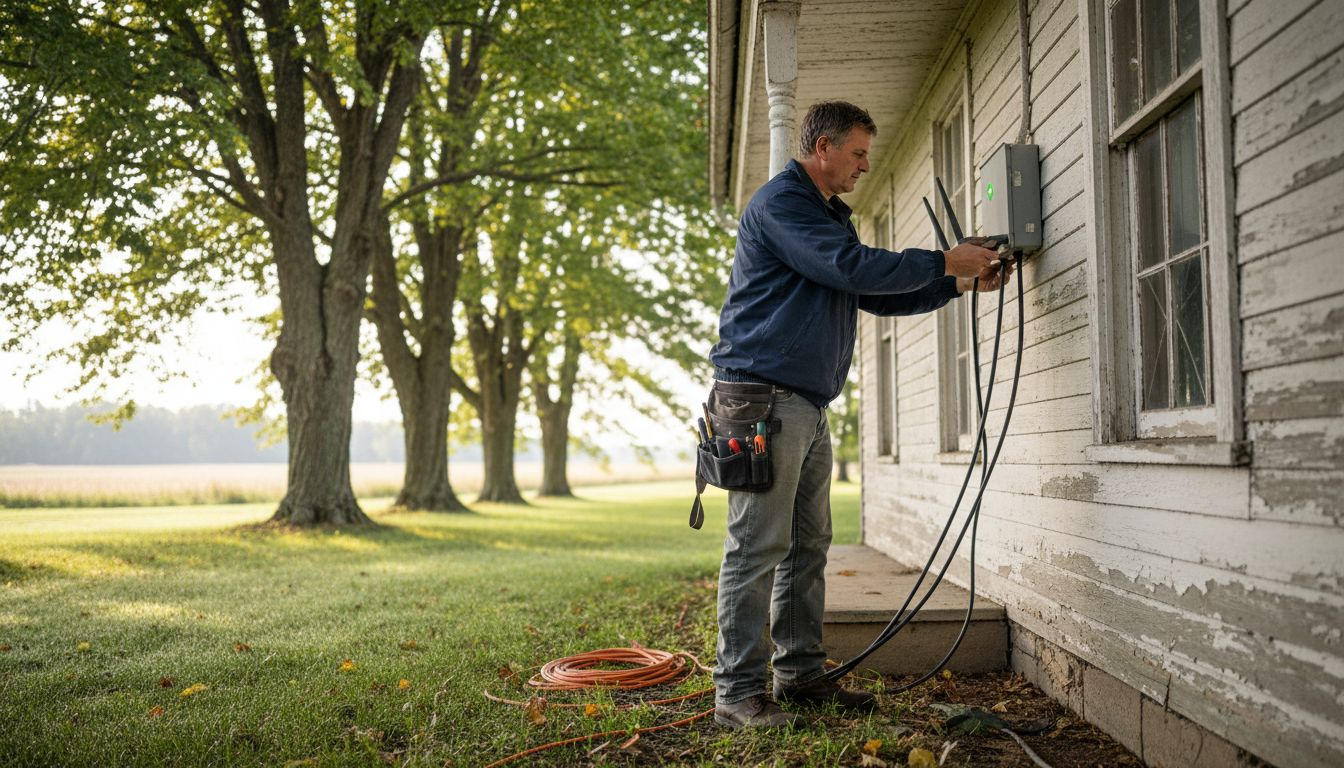
Begin by carefully selecting your equipment installation location. For satellite and wireless systems, prioritize areas with clear line of sight and minimal signal interference. Mount antennas or dishes on sturdy structures preferably elevated above ground level to maximize signal reception. Ensure mounting hardware is weather resistant and securely anchored to prevent damage during extreme conditions. Ground all external equipment properly to protect against electrical surges and lightning strikes. Use weatherproof connectors and cable glands to prevent moisture intrusion, which can compromise your rural internet technologies and network reliability.
Confirm all connections are tight, cables are properly routed away from potential damage sources, and equipment is positioned to maximize signal strength. Consider consulting a professional installer if your terrain presents unique challenges or if you are uncomfortable with technical installation requirements.
Pro Tip: Document your entire installation process with photographs and notes for future reference and potential troubleshooting needs.
Here’s an overview of essential equipment needed for a reliable rural internet setup:
| Equipment Type | Purpose | Key Consideration |
|---|---|---|
| Outdoor Antenna | Boosts wireless/signal reach | Mount in clear, high spot |
| Weatherproof Router | Connects home devices | Supports rural environments |
| Backup Power Supply | Maintains uptime | Protects against outages |
| Surge Protector | Shields equipment from power | Required for remote areas |
Step 4: Configure Network Settings for Performance
Configuring your rural internet network settings requires strategic adjustments to maximize connectivity and performance. Optimizing your network involves understanding the unique challenges of rural broadband infrastructure.
Start by accessing your router or modem settings through its administrative interface. Adjust wireless channel settings to minimize interference from neighboring networks and local electronic devices. Select the least congested frequency band between 2.4 GHz and 5 GHz based on your specific location and equipment capabilities. Enable quality of service (QoS) settings to prioritize critical internet traffic like video conferences and work related applications. Implement robust security protocols including WPA3 encryption and strong password protection to prevent unauthorized network access.
Carefully verify each configuration change by running multiple speed tests and monitoring network stability. Network performance optimization requires patience and incremental adjustments tailored to your specific rural environment. Consider consulting your internet service provider for recommended settings specific to your equipment and regional connectivity characteristics.
Pro Tip: Keep a detailed log of network configuration changes to track performance improvements and easily revert settings if needed.
Step 5: Verify Connection Stability and Speed
Verifying your rural internet connection requires systematic testing to ensure reliable performance. Understanding how to accurately measure your network performance is crucial for addressing potential connectivity issues.
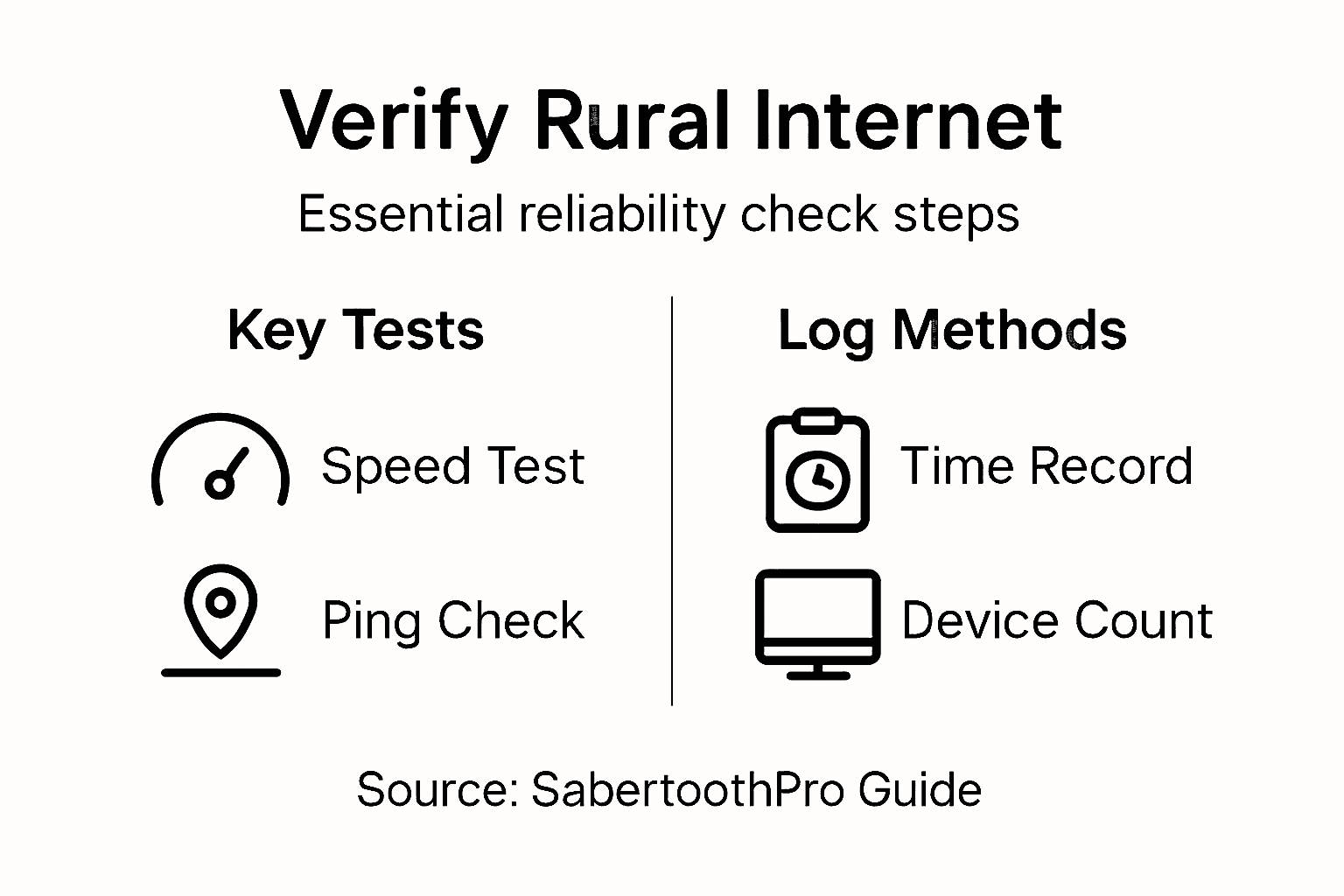
Utilize multiple broadband performance measurement tools to get comprehensive insights into your internet connection. Run speed tests at different times of day to capture variations in bandwidth and latency. Focus on three key metrics: download speed, upload speed, and ping response time. Use reputable online speed test platforms that provide detailed diagnostics. Conduct tests while different devices are connected to understand how simultaneous usage impacts your network performance. Rural internet speed testing helps identify potential bottlenecks and evaluate your service provider’s actual performance against promised specifications.
Document your test results consistently, noting the time of day, number of connected devices, and any observed performance variations. Compare these results against your internet service provider’s advertised speeds and contact them if significant discrepancies exist. Regular monitoring allows you to track network performance trends and make informed decisions about potential service upgrades or troubleshooting.
Pro Tip: Schedule speed tests during peak and off peak hours to get a comprehensive understanding of your network’s real world performance.
Step 6: Optimize Security and Remote Management
Securing your rural internet network requires strategic approaches that protect against potential cybersecurity threats while maintaining reliable connectivity. Understanding the unique challenges of rural internet infrastructure is crucial for effective protection.
Implement robust security measures by first securing rural broadband networks with multiple layers of protection. Enable your router’s built-in firewall and update firmware regularly to patch potential security vulnerabilities. Create strong unique passwords for your network and administrative router settings, using combinations of uppercase and lowercase letters, numbers, and special characters. Consider implementing a virtual private network (VPN) to encrypt internet traffic and mask your network’s digital footprint. Set up two factor authentication for critical network management interfaces and limit remote access permissions to essential users only.
Establish a routine for ongoing network monitoring and maintenance. Set up automatic security updates, conduct periodic security audits, and create backup configurations that can quickly restore your network in case of potential security breaches. Learn to recognize potential phishing attempts and educate all household members about basic cybersecurity practices. Cybersecurity for rural organizations requires proactive management and continuous learning.
Pro Tip: Create a dedicated guest network to isolate visitor internet access and protect your primary network from potential security risks.
Achieve Reliable Rural Connectivity with SabertoothPro Solutions
Setting up dependable rural internet comes with unique challenges like limited infrastructure, signal interference, and ensuring security. This guide covers vital steps such as choosing compatible devices, securing your connection, and optimizing performance. If you want to tackle those obstacles confidently, exploring specialized equipment like powerful routers and Wi-Fi extenders is crucial. SabertoothPro offers an excellent range of Titan WiFi and WiFi Extenders designed specifically for the demands of rural setups.

Ready to transform your rural internet experience with cutting-edge solutions and expert support Visit SabertoothPro.com today to discover innovative devices, plans, and custom services tailored to keep you connected no matter where you are. Act now to ensure your connectivity is strong, secure, and ready for anything.
Frequently Asked Questions
How do I assess my rural internet options effectively?
To assess your rural internet options, start by researching the available technologies in your area, such as satellite, fixed wireless, and DSL. Contact local internet service providers to review coverage maps, speeds, data caps, and pricing structures, or consider consultations to compare performance expectations.
What are the key factors to consider when choosing a rural internet plan?
When selecting a rural internet plan, evaluate your household’s internet needs based on factors like the number of users, online activities, and bandwidth consumption. Compare options for download and upload speeds, data caps, contract lengths, and equipment costs to find the best fit.
How can I ensure my rural internet equipment is installed securely?
To install your rural internet equipment securely, choose a location with minimal signal interference and mount antennas properly to maximize signal strength. Ensure all connections are tight, use weatherproof materials, and consider consulting a professional installer if needed.
What steps should I take to optimize my rural internet network settings?
To configure your network settings for optimal performance, access your router and adjust wireless channels to reduce interference. Implement quality of service (QoS) settings to prioritize important traffic and protect your network with strong passwords and encryption protocols.
How can I test the stability and speed of my rural internet connection?
To verify your internet connection, run speed tests at various times of day, focusing on download speeds, upload speeds, and ping times. Document your results to identify trends and performance issues, and contact your service provider if you notice discrepancies with advertised speeds.