


Step by Step Rural WiFi Guide for Reliable Internet Access
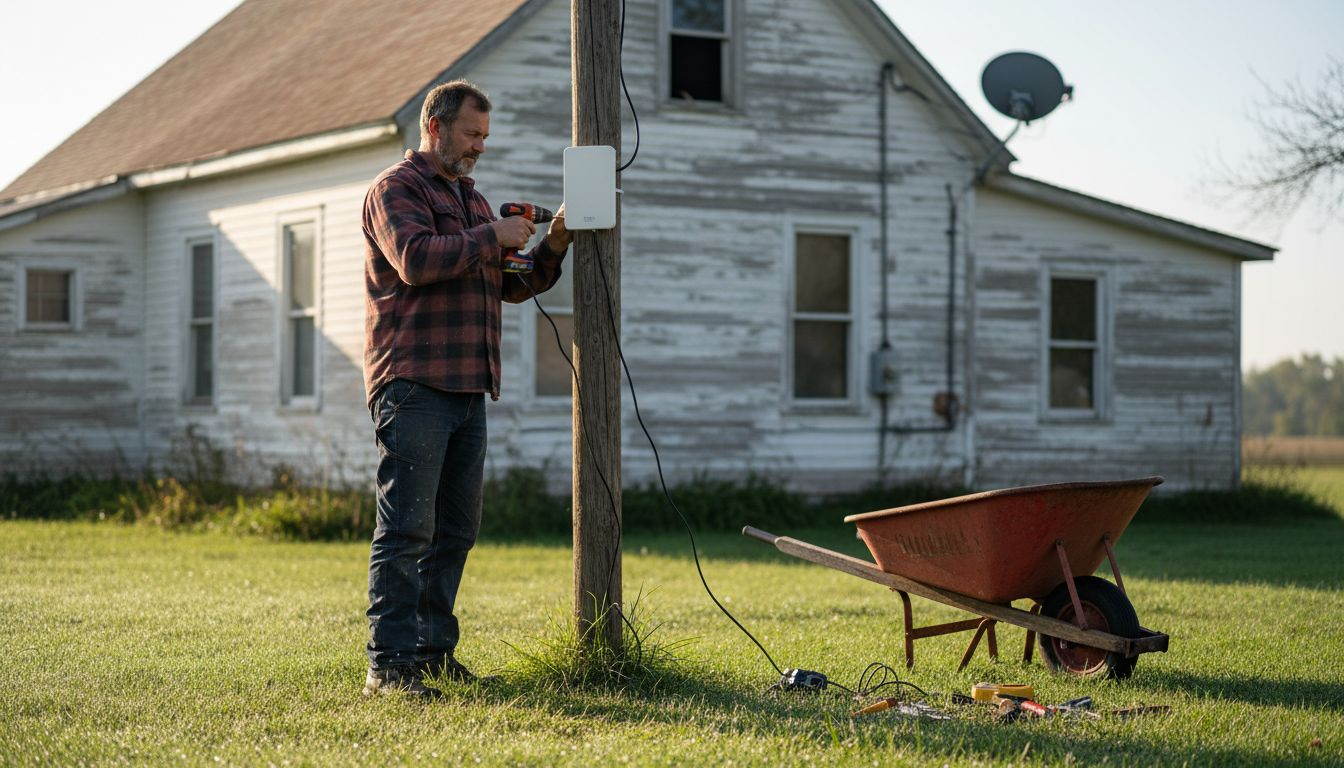
Over half of rural American homes in the Mid-Atlantic face limited options for high-speed internet, making remote work and daily online tasks stressful. With growing needs for reliable connectivity after the COVID-19 pandemic, choosing the right solution can truly transform life in these communities. This guide gives rural homeowners clear steps to assess local internet choices, select the best equipment, and optimize their network for dependable online access.
Table of Contents
- Step 1: Assess Local Internet Availability And Needs
- Step 2: Select The Best Rural Wifi Equipment
- Step 3: Install Wifi Hardware And Configure Connections
- Step 4: Verify Signal Strength And Optimize Network Placement
- Step 5: Test Speeds And Secure Your Wifi Network
Quick Summary
| Key Insight | Explanation |
|---|---|
| 1. Understand local internet options | Research different internet providers and technologies available in your area to make informed choices. |
| 2. Assess bandwidth requirements | Calculate your household’s internet needs based on activities like streaming and remote work. |
| 3. Choose appropriate WiFi equipment | Select routers and modems designed for rural areas to ensure strong and reliable connectivity. |
| 4. Optimize WiFi hardware placement | Position your WiFi devices strategically to enhance signal strength and minimize dead zones. |
| 5. Secure your network | Implement strong passwords and encryption methods to protect your WiFi from unauthorized access. |
Step 1: Assess local internet availability and needs
Begin by understanding the internet landscape in your rural area through strategic research and evaluation. Investigating your connectivity options requires a systematic approach that considers multiple factors affecting rural internet access. Rural broadband challenges have become increasingly complex, especially after the COVID-19 pandemic highlighted significant infrastructure gaps.
Start by mapping available internet service providers in your specific geographic location. Contact local telecommunications companies, check online coverage maps, and speak with neighbors about their current internet solutions. Research the types of internet technologies accessible in rural settings such as satellite, fixed wireless, mobile broadband, and DSL. Pay special attention to the reliability and speed of each option. Local infrastructure characteristics play a crucial role in determining which technologies will work best for your specific situation.
Your assessment should include detailed documentation of your internet needs. Calculate the bandwidth requirements based on your household activities like remote work, online education, streaming, and general browsing. Consider the number of devices that will simultaneously connect and the types of online activities you regularly perform. Understanding your specific requirements will help you select the most appropriate internet service that balances performance and affordability.
Pro tip: Create a spreadsheet comparing local internet providers, their connection types, speeds, prices, and contract terms to make an informed decision quickly and effectively.
Here’s a comparison of common rural internet connection types and their typical suitability for different needs:
| Connection Type | Typical Speeds | Reliability | Best For |
|---|---|---|---|
| Satellite | 20-100 Mbps | Weather sensitive | Remote areas, basic usage |
| Fixed Wireless | 25-150 Mbps | Varies by terrain | Small towns, rural edges |
| Mobile Broadband | 10-100 Mbps | Signal dependent | On-the-go, basic streaming |
| DSL | 5-50 Mbps | Generally stable | Homes near phone lines |
Step 2: Select the best rural WiFi equipment
Selecting the right WiFi equipment for rural areas requires careful consideration of unique connectivity challenges and technological requirements. Rural internet solutions demand specialized hardware that can overcome geographical limitations and provide reliable internet access. Rural broadband infrastructure strategies emphasize the importance of choosing equipment specifically designed for remote and challenging environments.
Your equipment selection should focus on devices that offer robust signal strength, extended range, and compatibility with various rural internet technologies like satellite, fixed wireless, and mobile broadband. Look for WiFi routers and modems with high gain antennas, weatherproof exteriors, and support for multiple frequency bands. Consider mesh networking systems that can extend coverage across larger properties with multiple access points. Secure WiFi network technologies recommend features like WPA3 security protocols, dual band capabilities, and advanced device management tools to ensure optimal performance and protection.

Prioritize equipment that supports your specific internet connection type and bandwidth requirements. Check compatibility with your chosen internet service provider, consider the number of devices that will connect simultaneously, and evaluate additional features like external antenna ports, advanced QoS settings, and firmware update capabilities. Invest in equipment that provides flexibility for future technological upgrades and can adapt to evolving rural internet infrastructure.
Pro tip: Consult local internet providers about recommended equipment models that are specifically optimized for your area’s unique connectivity landscape.
Review these key WiFi router features and their impact on rural home networks:
| Feature | What It Does | Impact for Rural Use |
|---|---|---|
| High Gain Antennas | Boosts wireless signal range | Helps reach distant rooms |
| Mesh Networking | Extends network coverage | Reduces dead spots |
| Dual Band Support | Handles multiple frequencies | Lowers interference |
| External Antenna Ports | Allows custom antennas | Improves outdoor coverage |
Step 3: Install WiFi hardware and configure connections
Installing WiFi hardware in rural areas requires careful planning and precise execution to ensure reliable internet connectivity. Rural broadband infrastructure guidelines emphasize the importance of strategic equipment placement and proper configuration to maximize network performance across challenging geographical environments.
Begin by unpacking your WiFi router and modem carefully, positioning them in a central location with minimal obstructions. Ensure the devices have clear line of sight and are placed away from metal objects or electronic interference sources. Connect the modem to your internet service provider’s incoming signal using the provided ethernet cable, then link the router to the modem. Power on the devices sequentially and wait for all indicator lights to stabilize. Device connection strategies recommend using the default network name and password initially, then changing these credentials to enhance security.
Access your router’s configuration interface through a computer or mobile device by entering the default IP address typically printed on the router. Set up your network name (SSID) and create a strong password with a combination of uppercase and lowercase letters, numbers, and special characters. Configure additional security settings like WPA3 encryption, enable automatic firmware updates, and adjust channel settings to minimize interference from neighboring networks. Test your connection by connecting multiple devices and verifying consistent internet speed and signal strength across your property.
Pro tip: Keep your router’s original packaging and documentation for future troubleshooting and potential warranty claims.
Step 4: Verify signal strength and optimize network placement
Verifying and optimizing your rural WiFi network requires strategic assessment of signal performance and geographical challenges. Broadband infrastructure mapping provides critical insights into understanding potential connectivity limitations specific to rural environments and helps identify optimal equipment placement strategies.
Use multiple methods to test your network signal strength across different areas of your property. Download WiFi analyzer apps on smartphones or computers to generate detailed signal maps showing coverage zones and potential interference points. Walk through your property with these tools to identify weak spots or areas with inconsistent connectivity. Geospatial networking optimization techniques recommend repositioning your router or adding signal boosters in locations where signal strength drops significantly. Consider factors like building materials, terrain features, and potential electronic interference that might impact your wireless network performance.
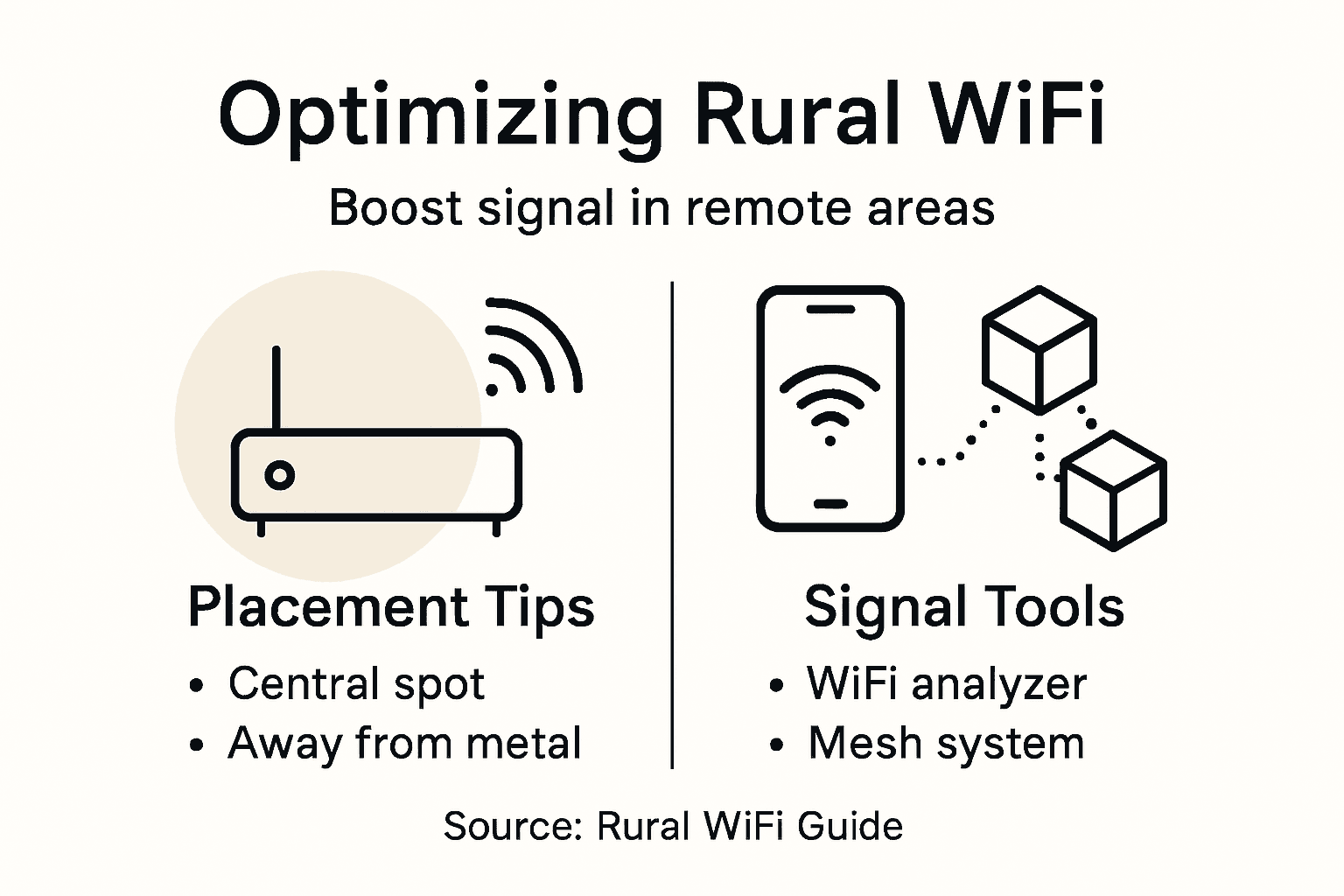
If signal strength remains inconsistent, explore additional solutions such as mesh networking systems or external high gain antennas that can extend your network coverage. Experiment with different router locations to maximize signal distribution, focusing on central positions with minimal obstructions. Test your connection speeds and stability after each adjustment, ensuring you achieve reliable internet access across your entire property.
Pro tip: Create a hand drawn signal strength map of your property to visually track and improve WiFi coverage zones.
Step 5: Test speeds and secure your WiFi network
Broadband speed benchmarks are essential for understanding your rural internet performance and ensuring your connection meets your specific needs. Start by conducting comprehensive speed tests using reputable online platforms that measure download and upload speeds, latency, and overall network reliability across different times of day.
Secure your network by implementing robust protection strategies against potential cyber threats. Choose a complex password that combines uppercase and lowercase letters, numbers, and special characters. Network security techniques recommend enabling WPA3 encryption, disabling remote management features, and regularly updating your router firmware to protect against vulnerabilities. Create a separate guest network to prevent unauthorized access to your primary network and limit potential security risks.
Configure your router settings to enhance performance and security. Change default login credentials, disable unnecessary network services, and consider using a virtual private network (VPN) for additional protection. Periodically review connected devices and remove any unfamiliar or unauthorized connections. Monitor your network for unusual activity and be prepared to adjust security settings if you detect any potential breaches.
Pro tip: Schedule quarterly network security audits to proactively identify and address potential vulnerabilities in your WiFi setup.
Unlock Reliable Rural WiFi with SabertoothPro Solutions
Struggling to find consistent internet in rural areas is a challenge many face when setting up home networks. This guide highlights common issues like weak signal strength, limited equipment options, and the need for secure, high-performance WiFi. At SabertoothPro, we understand these unique obstacles and offer tailored solutions to help you overcome them. Whether you need powerful devices designed for extended range or internet plans built for rural connectivity, we have you covered.
Enhance your rural network with our specialized Titan WiFi systems built for robust signal coverage and durability. Explore our range of WiFi extenders to eliminate dead zones and boost coverage across your property. When you are ready for your rural internet upgrade, visit SabertoothPro.com to find reliable plans, high-speed routers, and expert support designed just for you.

Don’t let location limit your connection quality. Take control of your rural WiFi setup now and experience seamless internet for work, education, and entertainment. Visit SabertoothPro today and get started with solutions built for your unique needs.
Frequently Asked Questions
How can I assess internet availability in my rural area?
Begin by researching local internet service providers and checking their coverage maps. Contact local telecommunications companies and discuss with neighbors to gather insights about the connectivity options suitable for your area.
What type of WiFi equipment is best for rural internet connections?
Select WiFi equipment that offers high signal strength and extended range to counter geographical obstacles. Look for routers and modems designed for rural use, ensuring they are compatible with the internet technologies available in your area.
How do I install and configure my WiFi hardware?
Start by positioning your router and modem in a central location with minimal obstructions. Follow the provided instructions to connect your modem to the incoming signal and configure your router’s settings for optimal network performance.
What steps should I take to verify and optimize my WiFi signal strength?
Use WiFi analyzer tools to identify weak spots in your network coverage. Move the router or add signal boosters as needed, testing your network speed after each adjustment to ensure reliable internet access across your property.
How can I secure my rural WiFi network?
Implement strong security measures, such as using a complex password and enabling WPA3 encryption. Regularly review connected devices and update your router settings to enhance protection against potential cyber threats.
What actions can I take if my internet speeds are slower than expected?
Conduct speed tests at different times to assess your network performance. If speeds are consistently low, consider optimizing your router’s placement or upgrading your equipment and plan to align with your internet usage needs.