


What Is Data Throttling? $25K Fines & SMB Network Impact

Many IT managers believe unlimited internet plans guarantee consistent speeds, but this is a costly misconception. Even unlimited plans may throttle connections during peak hours or congestion periods, reducing performance when businesses need it most. This article reveals what data throttling is, how to detect it, understand its impact on your SMB network, and implement mitigation strategies to maintain optimal performance and security.
Table of Contents
- What Is Data Throttling?
- Why ISPs and Networks Throttle Data
- Technical Mechanisms of Throttling: Static, Dynamic, and Related Concepts
- How to Detect Data Throttling in SMB Networks
- Impact of Data Throttling on SMB Network Performance and Security
- Common Misconceptions About Data Throttling
- Legal and Regulatory Considerations in the US
- Mitigation and Optimization Strategies for IT Managers
- Optimize Your Business Network with Sabertooth Pro
Key Takeaways
| Point | Details |
|---|---|
| Data throttling intentionally reduces speeds | ISPs and network admins slow data transfer to manage congestion and enforce caps |
| Throttling differs from rate limiting and deprioritization | Throttling explicitly caps bandwidth, while deprioritization reduces priority without hard speed limits |
| Detection requires VPN speed tests and usage monitoring | Compare VPN versus direct speeds and watch for peak hour slowdowns |
| SMB applications suffer under throttling | Video conferencing, streaming, and file transfers experience lag and quality degradation |
| US regulations mandate disclosure with $25K fines | ISPs face penalties up to $25,000 for undisclosed throttling practices |
What Is Data Throttling?
Data throttling is the intentional slowing of data transfer speeds by ISPs or network administrators to manage network congestion, enforce data caps, or control bandwidth consumption. This practice serves multiple operational purposes that directly affect your SMB network performance.
Throttling helps optimize network capacity by preventing any single user from monopolizing available bandwidth. When congestion threatens service quality, ISPs reduce speeds to distribute network resources more fairly among all customers. Many providers also use throttling to enforce monthly usage limits, often reducing speeds to as low as 128 Kbps after customers exceed their data caps.
This practice occurs at both the ISP level and sometimes within corporate networks. Network administrators implement throttling as a bandwidth management tool to maintain fair service levels during demand spikes. Understanding data throttling helps you diagnose connection issues and plan network capacity more effectively.
Key throttling characteristics:
- Deliberate speed reduction controlled by network operators
- Targets specific usage patterns or data thresholds
- Maintains service availability while managing capacity
- Affects upload and download speeds differently depending on implementation
Why ISPs and Networks Throttle Data
ISPs implement throttling primarily for congestion control during peak hours and to enforce data caps, balancing network performance among many users. Understanding these motivations helps you anticipate when throttling might impact your business operations.
Congestion control represents the most common throttling trigger. During peak business hours, when multiple users demand high bandwidth simultaneously, ISPs reduce speeds to prevent network overload. This ensures baseline service for all customers rather than allowing some to consume disproportionate resources.
Data cap enforcement drives another major category of throttling. ISPs set monthly usage limits and automatically reduce speeds once customers exceed these thresholds. This practice encourages users to monitor consumption and prevents unlimited plan abuse.
Application specific throttling targets bandwidth hungry services like video streaming, large file transfers, or peer to peer traffic. ISPs may selectively slow these services to preserve capacity for business critical applications like email and web browsing.
Common throttling triggers:
- Peak usage hours typically between 6 PM and 11 PM
- Monthly data cap thresholds defined in service agreements
- Specific applications consuming excessive bandwidth
- Network infrastructure limitations requiring traffic management
- Fair usage policies designed to prevent individual user monopolization
Traffic management balances quality of service across an ISP’s entire customer base. Throttling serves as a tool to maintain network stability when demand exceeds available capacity.
Technical Mechanisms of Throttling: Static, Dynamic, and Related Concepts
Throttling implementations vary significantly in complexity and adaptability. Understanding these technical differences helps you identify which type affects your network and how to respond.
Throttling can be configured with static fixed quotas or dynamic adaptive limits responding to system load. Static throttling applies predetermined speed caps that reset periodically, typically monthly. Once you hit the data threshold, speeds drop to a fixed rate until the billing cycle resets.
Dynamic throttling adjusts in real time based on current network conditions. During high congestion periods, the system automatically reduces speeds for heavy users. When demand decreases, speeds recover without waiting for cycle resets. This approach provides more flexibility but creates less predictable performance.
Data throttling differs from rate limiting and deprioritization. Throttling intentionally reduces connection speeds with explicit bandwidth caps. Rate limiting controls the number of requests or connections without strictly capping speed. Deprioritization lowers traffic priority in queuing systems, causing variable slowdowns without hard limits.
Packet loss and buffer queues significantly impact how throttling manifests. When throttling engages, routers may drop excess packets or queue them in buffers, causing latency spikes. Monitoring bufferbloat and packet loss patterns can reveal throttling that pure speed tests might miss.
Throttling vs. related traffic controls:
| Method | Speed Impact | Implementation | Predictability |
|---|---|---|---|
| Static throttling | Fixed cap | Quota based | High |
| Dynamic throttling | Variable cap | Load based | Medium |
| Rate limiting | Indirect | Request count | Low |
| Deprioritization | Variable | Queue priority | Low |
Pro tip: Monitor bufferbloat using specialized tests alongside traditional speed tests. Excessive buffering often indicates throttling before speed measurements show significant degradation.
Understanding these mechanisms helps you select business grade internet solutions that minimize throttling impacts on your operations.
How to Detect Data Throttling in SMB Networks
Detecting throttling requires systematic testing and monitoring beyond casual speed checks. IT managers need reliable methods to distinguish throttling from other performance issues.
Step by step detection process:
- Conduct baseline speed tests during off peak hours to establish normal performance
- Run comparison tests using VPN versus direct connections to mask traffic type and detect ISP throttling
- Monitor application specific performance for streaming and conferencing tools
- Analyze timing patterns correlating slowdowns with peak usage periods
- Review your ISP service agreement for disclosed throttling policies and data caps
- Deploy traffic monitoring software to detect unusual packet loss or latency spikes
VPN comparison testing provides the most reliable throttling evidence. ISPs cannot identify specific traffic types through encrypted VPN tunnels. If speeds improve significantly with VPN enabled, the ISP likely throttles specific applications or protocols.
Application specific monitoring reveals targeted throttling. Track performance metrics for video conferencing platforms, cloud storage sync, and media streaming separately. Consistent slowdowns in specific applications while others perform normally indicates selective throttling.
Timing analysis correlates slowdowns with known throttling triggers. Document when performance degradation occurs relative to monthly billing cycles, daily peak hours, or cumulative data usage milestones. Patterns emerging from this analysis strongly suggest throttling rather than random network issues.
Check your ISP contract thoroughly for throttling disclosures. Service agreements must specify data caps, throttling thresholds, and reduced speed rates under FCC transparency requirements.
Pro tip: Automate speed testing every two hours during business operations to build comprehensive throttling evidence over weeks. Consistent patterns provide stronger negotiating leverage with your ISP than isolated test results.
Impact of Data Throttling on SMB Network Performance and Security
Throttling creates tangible operational and security challenges that extend beyond simple inconvenience. Understanding these impacts helps justify investments in throttling mitigation.
Data throttling severely impacts high bandwidth applications like HD video streaming and online collaboration by causing buffering and lag. Video conferencing quality degrades rapidly under throttling, with frozen frames and audio dropouts disrupting client meetings and team collaboration.

File transfer speeds plummet when throttling engages, extending cloud backup windows and delaying critical document sharing. Large dataset transfers that normally complete in minutes can stretch to hours, blocking time sensitive workflows.
Throttling introduces security vulnerabilities through disrupted VPN connections. When speeds drop suddenly, VPN tunnels may timeout and reset, briefly exposing unencrypted traffic. Repeated connection resets increase attack surface windows and complicate security monitoring.
Critical business impacts:
- Degraded video quality in client presentations damages professional image
- Collaboration tools lag reducing team productivity and meeting effectiveness
- Cloud application performance suffers affecting CRM and productivity platforms
- Remote access connections timeout interrupting critical work sessions
- Security update downloads stall leaving systems vulnerable longer
Employee frustration escalates as unexplained slowdowns disrupt daily workflows. IT support ticket volume increases as users report intermittent performance issues difficult to diagnose without understanding throttling patterns.
Proactive throttling management protects business continuity and maintains security posture. Addressing throttling systematically prevents these cascading operational and security challenges before they impact revenue or client relationships.
Common Misconceptions About Data Throttling
Several persistent myths about throttling lead IT managers to misdiagnose network issues or overlook viable solutions. Clearing these misconceptions improves decision making and troubleshooting effectiveness.
Myth: Throttling only activates after exceeding data caps. Reality: Throttling often occurs during congestion regardless of your data consumption level. Peak hour throttling affects all users during high demand periods, even those well below monthly caps.
Myth: Unlimited plans guarantee no throttling. Reality: Many unlimited plans include throttling clauses for network management. The “unlimited” label refers to data quantity, not guaranteed speeds. ISPs legally throttle unlimited plans during congestion or after soft data limits.
Myth: Throttling means losing internet access entirely. Reality: Throttling reduces speed but maintains connectivity. Services remain accessible but perform slower, often dramatically so for bandwidth intensive applications.
Myth: ISPs must notify you immediately when throttling begins. Reality: Transparency regulations require disclosure in service agreements but not real time notifications. You must monitor your own connection to detect active throttling.
Myth: Throttling always affects all applications equally. Reality: ISPs frequently implement application specific throttling, selectively slowing video streaming or file sharing while maintaining normal speeds for web browsing and email.
These misunderstandings often waste troubleshooting time as IT managers investigate hardware failures or configuration errors when throttling causes the actual problem. Understanding throttling realities enables faster diagnosis and appropriate remediation strategies.
Recognizing the facts prevents unnecessary equipment upgrades and focuses efforts on contract negotiations or service provider changes that actually address the root cause.
Legal and Regulatory Considerations in the US
Understanding the regulatory framework governing throttling empowers SMBs to assert their rights and make informed purchasing decisions. FCC regulations provide important consumer protections despite ongoing policy debates.
FCC rules require ISPs to transparently disclose throttling policies in service agreements and marketing materials. Providers must specify data caps, throttling thresholds, reduced speed rates, and circumstances triggering speed reductions. This transparency allows businesses to compare offerings and understand service limitations before committing.
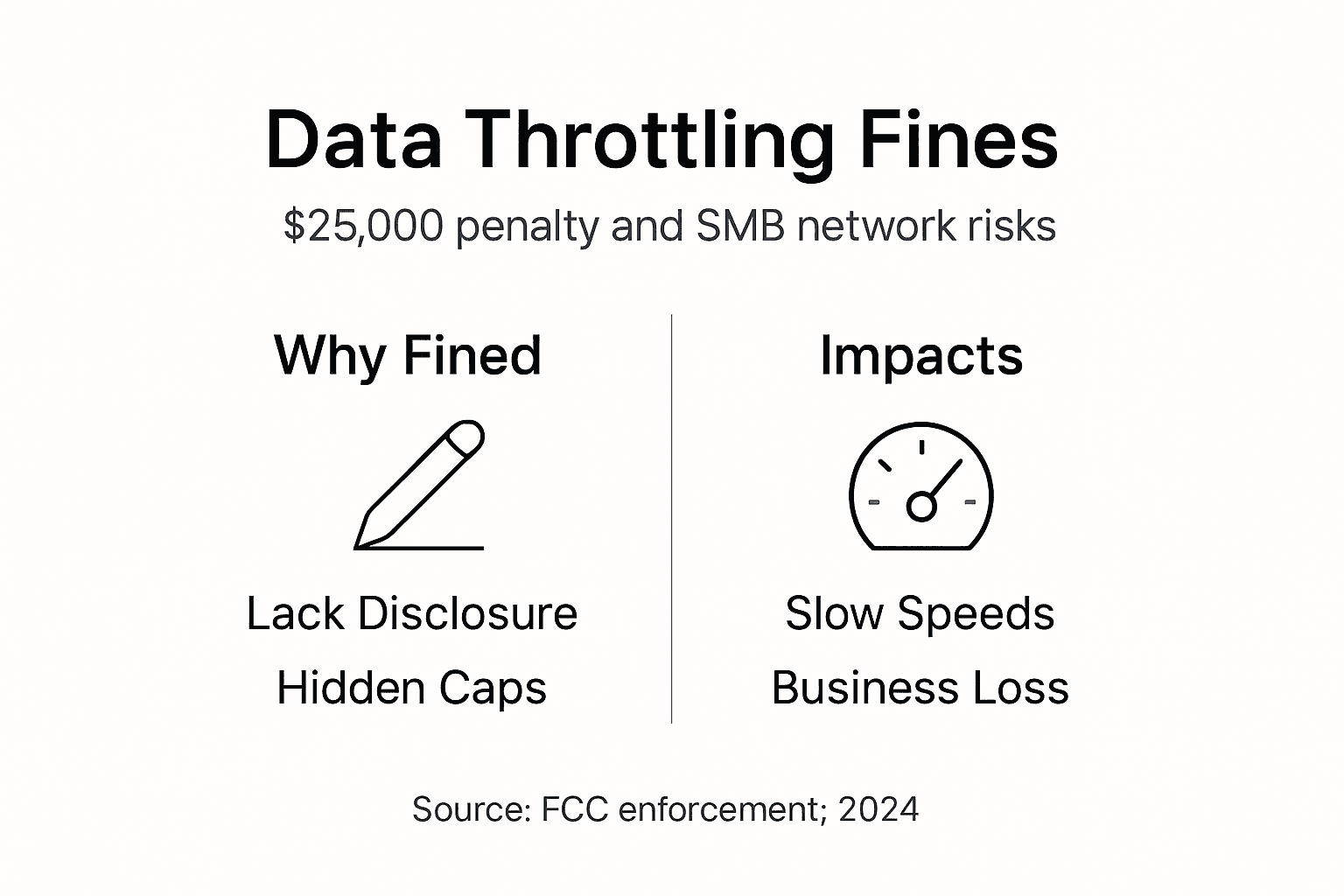
ISPs face fines up to $25,000 per violation for undisclosed throttling practices under FCC enforcement. These penalties incentivize honest disclosure but enforcement varies by administration priorities and complaint volume.
Net neutrality principles historically influenced throttling legality and ISP practices. While specific rules have changed over time, the underlying principle that ISPs should not discriminate against lawful content continues shaping policy discussions and consumer expectations.
SMBs possess clear rights to accurate information about data usage limits and throttling implementation. Service agreements must state these terms explicitly. Vague language or buried clauses may violate disclosure requirements.
Legal awareness supports stronger contract negotiations. Armed with regulatory knowledge, you can push back against unreasonable terms, demand clearer throttling specifications, or lodge formal complaints when providers fail disclosure obligations.
Staying informed helps align network policy with compliance requirements. Document throttling incidents, preserve speed test evidence, and maintain copies of service agreements. This documentation becomes crucial if disputes escalate to regulatory complaints or contract renegotiations.
Mitigation and Optimization Strategies for IT Managers
Practical mitigation strategies reduce throttling impacts and optimize network performance for business critical operations. Implementing multiple approaches provides the most comprehensive protection.
Effective mitigation combines VPN use, off peak scheduling, plan upgrades, and selecting ISPs with transparent no throttling policies. VPN services encrypt traffic and mask specific application signatures, potentially bypassing application specific throttling filters. Choose business grade VPN providers with sufficient bandwidth to avoid creating new bottlenecks.
Schedule bandwidth intensive tasks during off peak hours when congestion throttling is less likely. Run cloud backups, system updates, and large file transfers overnight or early morning. This strategy works particularly well for predictable, non interactive workloads.
Upgrade to higher tier internet plans with increased or unlimited data caps. While this increases costs, it reduces throttling risk and provides headroom for business growth. Calculate the productivity cost of throttling induced delays against upgrade expenses to justify investment.
Engage ISPs for service level agreements guaranteeing minimum speeds. Business class connections often include SLA provisions with penalties for substandard performance. These agreements provide recourse when throttling impacts operations.
Comprehensive mitigation checklist:
- Deploy VPN infrastructure to mask traffic patterns from ISP inspection
- Shift heavy bandwidth consumption to documented off peak windows
- Select connection types optimized for business use
- Choose reliable business internet plans with clear throttling policies
- Implement internal bandwidth management to smooth traffic patterns
- Monitor connection performance continuously to detect throttling early
- Maintain detailed documentation for ISP negotiations
Internal bandwidth management tools provide additional control. Quality of service configurations prioritize business critical applications over recreational traffic. Traffic shaping smooths burst usage that might trigger dynamic throttling.
Regularly review ISP policies as providers update terms and service offerings. What started as a suitable plan may become inadequate as throttling policies tighten or business needs grow. Annual reviews aligned with contract renewals ensure you maintain optimal connectivity.
Pro tip: Test connection speeds systematically every week and document results with timestamps. This ongoing evidence supports upgrade justifications, contract renegotiations, or provider switches when throttling becomes unacceptable.
Optimize Your Business Network with Sabertooth Pro
Navigating data throttling challenges requires reliable connectivity partners who prioritize transparency and performance. Sabertooth Pro delivers high speed business internet solutions designed to minimize throttling risks for Mid-Atlantic SMBs.

Our wireless internet provider plans and fiber options provide consistent speeds without hidden throttling clauses that disrupt operations. We offer transparent service agreements specifying exact performance parameters and data policies, eliminating surprises that derail productivity.
Explore our comprehensive business internet services tailored for SMB network stability and security requirements. Our solutions include dedicated support, performance monitoring, and flexible upgrade paths as your business scales.
Discover expert guidance and business connectivity best practices to optimize your network infrastructure. Contact our team to discuss how Sabertooth Pro can eliminate throttling headaches and deliver the reliable connectivity your business demands.
FAQ
What is data throttling?
Data throttling is the intentional reduction of internet speeds by ISPs or network administrators to manage congestion or enforce usage limits. This traffic management technique maintains network stability by controlling bandwidth consumption during peak demand periods or after users exceed data caps.
How can IT managers detect if their network is being throttled?
Compare speed test results using VPN versus direct connections to identify throttling patterns. Monitor for slowdowns during peak hours or when using specific applications like video streaming. Review your ISP service agreement for data caps and throttling disclosures, then check actual usage against these thresholds using detection tools and techniques. Systematic testing over multiple days provides the most reliable evidence.
Can data throttling affect business security?
Yes, throttling disrupts VPN tunnels and causes connection timeouts that temporarily expose unencrypted traffic. These interruptions create vulnerability windows and complicate security monitoring. Slowdowns may also prevent timely security updates, leaving systems exposed to known threats longer. Understanding throttling’s security impacts helps you implement compensating controls and prioritize mitigation investments.
What are the best strategies to reduce or avoid data throttling?
Use VPN services to mask traffic types from ISP inspection and bypass application specific throttling. Schedule large data transfers during off peak hours when congestion throttling is less likely. Select ISPs offering transparent no throttling policies with higher or unlimited data caps. Upgrade to business grade connection types designed for consistent performance, and review business internet plans that guarantee minimum speeds through service level agreements.