


What Is Remote Infrastructure? 40% Cost Savings for SMBs

Many IT leaders assume remote infrastructure means losing data control or navigating overwhelming complexity. Reality proves different. SMBs leveraging remote infrastructure see up to a 25% increase in network uptime while slashing capital expenditures significantly. This guide clarifies what remote infrastructure actually entails, its scalable security benefits, and why it matters for network modernization across Mid-Atlantic small to medium-sized businesses.
Table of Contents
- Introduction To Remote Infrastructure
- Core Components And Models Of Remote Infrastructure
- Security Advantages And Frameworks
- Cost Efficiency And Scalability For SMBs
- Integration With IoT And Unified Communications
- Common Misconceptions About Remote Infrastructure
- Practical Steps For SMBs In The Mid-Atlantic To Adopt Remote Infrastructure
- Conclusion And Future Outlook
- Explore Reliable Remote Infrastructure Solutions With Sabertooth Pro
- Frequently Asked Questions About Remote Infrastructure For SMBs
Key Takeaways
| Point | Details |
|---|---|
| Remote infrastructure enables flexible, scalable SMB network modernization | Cloud, colocation, and hybrid models reduce capital costs while boosting control and uptime. |
| Zero-trust security frameworks integrated into remote systems reduce breach incidents by 45% | Next-gen firewalls and SOC-as-a-Service enhance threat detection and response for SMBs. |
| Cloud models cut upfront capital expenditures by approximately 40% versus traditional on-premises setups | Pay-as-you-grow architecture aligns costs with business expansion and operational needs. |
| Common myths about data control and complexity deter adoption despite clear advantages | 85% of SMBs report equal or better control after switching to remote infrastructure. |
| Remote infrastructure supports modern IoT devices and UCaaS platforms essential for hybrid work | Centralized management simplifies operations and enhances collaboration for distributed teams. |
Introduction to Remote Infrastructure
Remote infrastructure refers to hosting and managing IT resources offsite, away from your physical business premises. Instead of maintaining servers and networking equipment onsite, you leverage external facilities and cloud platforms. This approach supports the growing need for remote and hybrid work models across the Mid-Atlantic region.
Three core components define remote infrastructure. Cloud computing delivers virtualized resources over the internet. Colocation data centers provide physical space and power for your owned hardware in professionally managed facilities. Managed services handle monitoring, maintenance, and security, freeing your internal team from routine tasks. For SMBs, these components combine to create resilient, scalable remote infrastructure basics that modernize network capabilities.
The architecture layers behind remote infrastructure include physical hosting environments, virtual resource delivery, integrated security protocols, and centralized management tools. Unlike traditional on-premises setups where you own and maintain all hardware, remote infrastructure shifts operational burdens to specialized providers. You gain access to key technologies in remote infrastructure without the capital expense and staffing overhead of traditional models.
For IT decision-makers evaluating network modernization, remote infrastructure offers a practical path forward. You can start small and scale incrementally. Your team focuses on strategic initiatives rather than hardware maintenance. Reliable business internet services form the connectivity foundation, ensuring seamless access to remote resources regardless of employee location.
Core Components and Models of Remote Infrastructure
Cloud infrastructure delivers computing, storage, and networking as on-demand services. You pay only for what you use, avoiding large upfront hardware investments. Scalability happens instantly. Need more server capacity during peak seasons? Spin up additional instances in minutes. Cloud models suit SMBs with fluctuating demands or limited IT staff.
Colocation facilities offer a middle ground. You own the hardware but house it in a professionally managed data center. This model provides physical control over equipment while outsourcing power, cooling, and physical security. Colocation works well when compliance requirements demand specific hardware configurations or when you already own infrastructure assets. Enhanced security measures and redundant power systems protect your investment.
Hybrid models combine on-premises systems with cloud and colocation resources. Critical applications might run onsite for low latency, while backup systems and scalable workloads live in the cloud. This flexibility lets you optimize cost, performance, and control based on each workload’s specific needs. Many SMBs in the Mid-Atlantic adopt hybrid approaches to balance modernization with existing investments.
Each model presents distinct trade-offs. Cloud infrastructure minimizes capital expense and maximizes scalability but offers less direct hardware control. Colocation provides physical access and customization but requires hardware purchases and longer deployment timelines. Hybrid solutions deliver flexibility but introduce integration complexity. Choosing the right fit depends on your business size, growth trajectory, compliance requirements, and existing IT capabilities.
| Model | Cost Structure | Control Level | Scalability | Complexity |
|---|---|---|---|---|
| Cloud | Low CAPEX, pay-as-you-go OPEX | Moderate (provider managed) | Instant, unlimited | Low (provider handles maintenance) |
| Colocation | Moderate CAPEX for hardware | High (you own equipment) | Manual, slower | Moderate (you manage hardware) |
| Hybrid | Mixed CAPEX and OPEX | Variable (per workload) | Flexible, workload dependent | High (integration required) |
Understanding these connectivity options for SMBs helps you select infrastructure that aligns with business objectives. Evaluate remote infrastructure models against your specific requirements rather than adopting trends blindly. Successful deployments start with clear needs assessment and end with monitoring remote infrastructure performance continuously.
Security Advantages and Frameworks
Remote infrastructure enhances security through modern frameworks unavailable to most SMBs managing onsite systems alone. Zero-trust architecture treats every access request as potentially hostile, requiring verification regardless of source. This approach minimizes lateral movement if attackers breach perimeter defenses. For businesses supporting remote workers across the Mid-Atlantic, zero-trust principles protect against compromised credentials and insider threats.
Next-generation firewalls integrated into remote infrastructure provide advanced threat detection and filtering. Unlike legacy firewalls that check only ports and protocols, next-gen systems inspect application layer traffic and identify malicious patterns using threat intelligence. These capabilities reduce breach incidents by 45% for SMBs adopting comprehensive remote security.
SOC-as-a-Service delivers 24/7 monitoring and incident response without the cost of building an internal security operations center. Managed security providers watch for anomalies, investigate alerts, and coordinate responses faster than understaffed IT teams. For SMBs lacking dedicated security personnel, SOC-as-a-Service fills a critical gap.
Key security benefits include:
- Continuous monitoring detects threats before they cause damage
- Automated patching keeps systems current without manual intervention
- Encrypted data transmission protects information traveling between remote sites
- Granular access controls limit user permissions to necessary resources only
- Compliance support through built-in logging and audit trails
Pro Tip: Adopt integrated security frameworks early in your remote infrastructure journey. Retrofitting security after deployment costs more and leaves temporary vulnerabilities. Partner with providers offering next-gen firewalls and zero-trust security as standard components. Review security frameworks for SMBs to ensure you meet baseline protection standards from day one.
Cost Efficiency and Scalability for SMBs
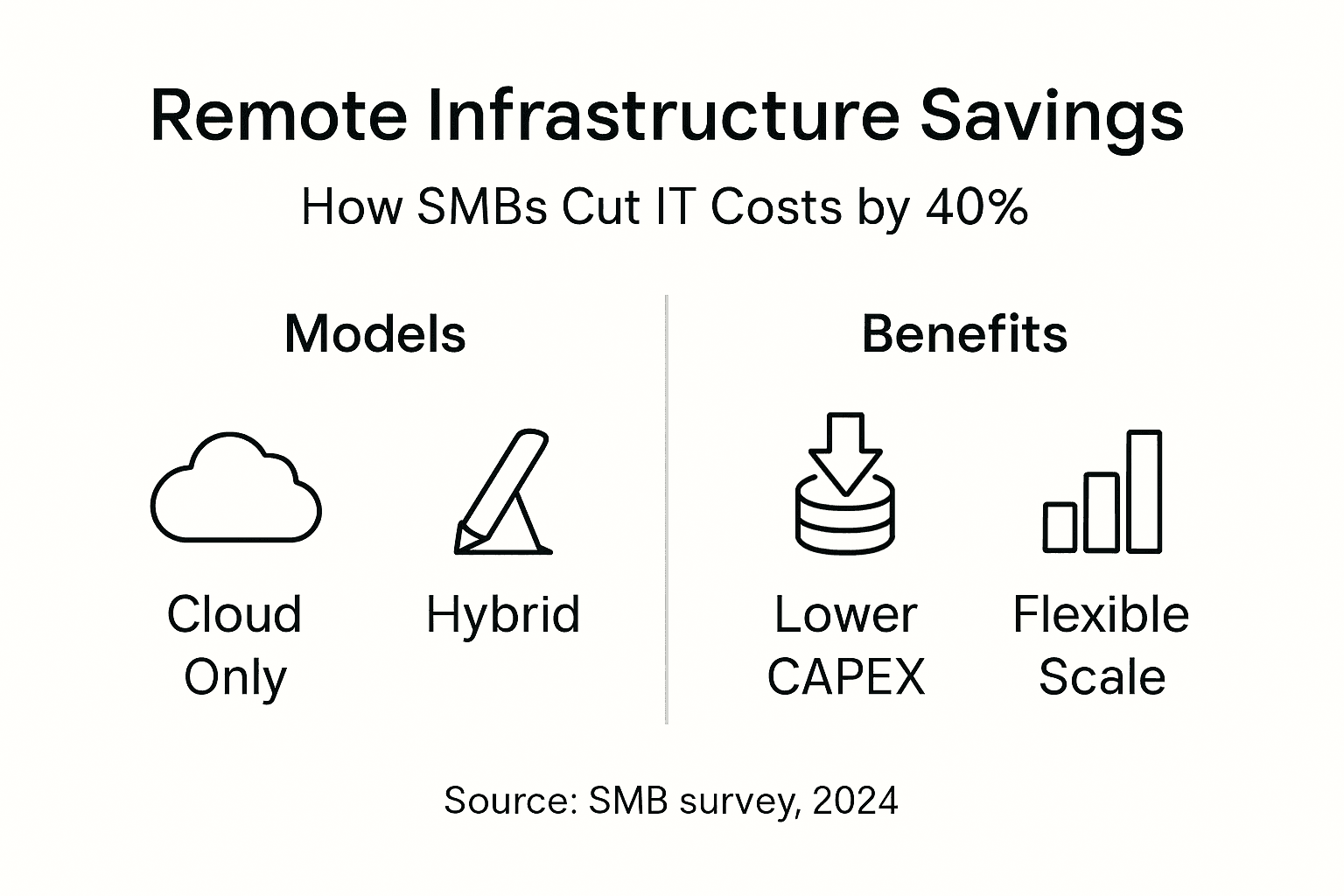
Cloud-based remote infrastructure models reduce upfront capital expenditures by approximately 40% versus traditional on-premises infrastructure. You avoid purchasing servers, storage arrays, and networking equipment. No need to build or lease data center space. Operational savings compound over time as you eliminate hardware refresh cycles and reduce energy consumption.

Scalable architecture means paying only for resources you actually use. Start with minimal capacity and expand incrementally as your business grows. This pay-as-you-grow model aligns IT spending with revenue, preventing over-provisioning waste. During slow periods, scale down to reduce costs. Peak demand periods require temporary expansion without permanent investment.
Operational expense benefits extend beyond infrastructure costs. Reduced downtime translates directly to productivity gains and customer satisfaction. Managed services handle routine maintenance, freeing your IT staff for strategic projects. Training costs decrease when providers manage complex infrastructure components.
| Metric | Cloud | Colocation | Hybrid | On-Premises |
|---|---|---|---|---|
| Initial CAPEX | Low ($5K-$15K) | Moderate ($30K-$60K) | Variable ($20K-$50K) | High ($60K-$120K) |
| Monthly OPEX | $2K-$8K | $1.5K-$5K | $2.5K-$7K | $1K-$3K (plus maintenance) |
| Scalability Timeline | Minutes | Weeks | Days to weeks | Months |
| 3-Year TCO (typical SMB) | $90K-$300K | $85K-$240K | $110K-$280K | $100K-$350K |
| ROI Breakeven | 6-12 months | 18-24 months | 12-18 months | 36+ months |
Calculating ROI for remote infrastructure requires comparing total cost of ownership against productivity gains and risk reduction. Follow these steps:
- Document current infrastructure costs including hardware, software licenses, staff time, and downtime impact
- Estimate remote infrastructure costs from provider quotes covering subscriptions, connectivity, and migration
- Quantify productivity improvements from reduced downtime and faster deployments
- Factor in security benefits and compliance cost avoidance
- Calculate net savings and divide by total investment to determine payback period
Pro Tip: Match your infrastructure model to business size and growth projections. Rapid expansion favors cloud for instant scalability. Stable operations with compliance needs benefit from colocation control. Most SMBs find hybrid approaches optimize costs by placing workloads strategically. Explore cost-effective IT solutions that align with your specific operational profile.
Reliable connectivity underpins cost efficiency. Poor Broadband options in Mid-Atlantic regions undermine remote infrastructure benefits through latency and downtime. Invest in high-quality internet options that support your remote architecture.
Integration with IoT and Unified Communications
Remote infrastructure provides the scalable, reliable connectivity essential for expanding IoT device deployments. Smart sensors monitoring equipment status, environmental controls adjusting facility conditions, and inventory trackers updating stock levels all depend on consistent network access. Cloud and colocation models offer the bandwidth and processing power to handle thousands of simultaneous IoT connections.
Unified Communications as a Service integrates voice, video, messaging, and collaboration tools into cohesive platforms. Remote infrastructure supports UCaaS by delivering the uptime and quality of service necessary for business communications. Employees work from anywhere using consistent tools. Call quality remains high. Video conferences run smoothly.
Practical use cases demonstrate value. Smart building management systems optimize energy consumption by adjusting HVAC based on occupancy sensors. Automated inventory tracking reduces stockouts and overstocking through real-time visibility. Remote employee communication stays seamless whether staff work from headquarters, home offices, or client sites across the Mid-Atlantic.
Centralized management simplifies operations. Instead of configuring each IoT device individually or managing separate communication systems, remote infrastructure consolidates control. Single dashboards monitor device health, connectivity status, and performance metrics. Updates deploy simultaneously across all endpoints.
Key benefits for SMB operations include:
- Reduced IT overhead through centralized device and application management
- Enhanced collaboration via integrated communication tools accessible from any location
- Data-driven insights from IoT sensors informing business decisions
- Scalability supporting gradual IoT expansion without infrastructure overhauls
- Improved customer experience through better service responsiveness
Explore IoT integration with remote infrastructure to understand deployment options. Recognize the importance of IoT connectivity for business operations. Ensure your broadband for IoT and UCaaS meets bandwidth and latency requirements.
Common Misconceptions About Remote Infrastructure
Myth 1: Remote infrastructure means losing data control. Reality differs significantly. Modern remote infrastructure offers granular access controls, detailed audit logs, and real-time monitoring. 85% of SMBs report equal or better control after switching to remote infrastructure. You define who accesses what data, when, and from where. Encryption protects data in transit and at rest.
Myth 2: Complexity is too high for SMBs without large IT teams. Managed service providers handle the technical heavy lifting. You consume infrastructure as a service rather than building expertise in every underlying technology. Administrative overhead actually decreases compared to managing on-premises systems. Interfaces simplify provisioning and monitoring.
Myth 3: Remote infrastructure only means cloud computing. Colocation and hybrid models expand options significantly. You can maintain physical hardware control in professional facilities or blend on-premises systems with cloud resources. Remote infrastructure encompasses any IT resources hosted and managed outside your business premises, offering flexibility beyond pure cloud models.
These misconceptions prevent SMBs from realizing substantial benefits. Understanding data control in remote infrastructure through monitoring and governance tools addresses control concerns. Recognizing how providers reduce remote infrastructure complexity through management services removes adoption barriers.
Practical Steps for SMBs in the Mid-Atlantic to Adopt Remote Infrastructure
Successful implementation follows a structured approach tailored to regional business needs:
-
Assess current network limitations and business goals to identify specific modernization needs. Document pain points like frequent downtime, scaling difficulties, or security gaps. Define success metrics such as target uptime percentages or cost reduction goals.
-
Evaluate regional connectivity options appropriate for the Mid-Atlantic geography. Consider 4G LTE and 5G for mobile access, fiber for high-bandwidth primary connections, and backup links for redundancy. Review network connectivity assessment resources specific to your area.
-
Select the best-fit remote infrastructure model based on control requirements, cost constraints, and scalability needs. Cloud suits rapid growth scenarios. Colocation works for compliance-heavy environments. Hybrid balances flexibility and control. Match model characteristics to business priorities.
-
Engage managed service providers specializing in remote infrastructure and security frameworks. Verify provider experience with SMB deployments and regional connectivity. Request references from similar businesses. Understand SLA commitments and support responsiveness.
-
Implement zero-trust security policies and next-gen firewall configurations to protect the network from day one. Define user access levels, enable multi-factor authentication, and configure logging. Security should be foundational, not an afterthought.
-
Continuously monitor and optimize performance for uptime and cost efficiency. Track actual versus expected costs. Measure application performance and user satisfaction. Adjust resource allocations based on usage patterns. Regular optimization prevents cost creep and maintains service quality.
Pro Tip: Conduct phased rollouts starting with non-critical workloads. Validate performance and train staff before migrating essential systems. This approach minimizes disruption and builds organizational confidence. Plan thorough training covering new tools and procedures. Users comfortable with changes adopt them faster.
Ensure you understand how to choose reliable connectivity that supports remote infrastructure demands. Partner with providers offering comprehensive support for engaging managed service providers throughout the deployment lifecycle. Follow this step-by-step guide to remote infrastructure adoption for additional tactical advice.
Conclusion and Future Outlook
Remote infrastructure delivers SMBs enhanced flexibility, robust security, and significant cost savings vital for competing in modern markets. Moving IT resources offsite through cloud, colocation, or hybrid models aligns technology capabilities with business needs rather than forcing businesses to work around infrastructure limitations.
Emerging trends will accelerate adoption. Edge computing brings processing closer to data sources, reducing latency for IoT and real-time applications. AI-driven management tools will automate optimization and threat response. 5G connectivity expands mobile and remote site capabilities. These advances make remote infrastructure increasingly accessible and valuable for businesses of all sizes.
Strategic investment in remote infrastructure positions Mid-Atlantic SMBs for sustained growth and technology leadership. Your competitors are evaluating these same opportunities. Early adopters gain advantages in operational efficiency, security posture, and customer service capabilities. Delay means falling behind in network modernization.
Assess your current infrastructure honestly. Identify gaps preventing business objectives. Explore remote infrastructure options matching your specific requirements. The transition requires planning but delivers measurable returns that compound over time.
Explore Reliable Remote Infrastructure Solutions with Sabertooth Pro
Sabertooth Pro delivers customizable remote infrastructure services designed specifically for small and medium businesses across the Mid-Atlantic region. Our team understands regional connectivity challenges and business requirements. We design solutions balancing cost, control, and scalability to meet your unique needs.
Benefit from expert-managed connectivity supporting hybrid and cloud models. Our wireless internet solutions provide reliable primary and backup connections. Comprehensive IT and IoT solutions integrate infrastructure, security, and management into cohesive platforms. We handle technical complexity so you focus on business growth.

Enhance network uptime, strengthen security posture, and scale confidently with Sabertooth Pro’s reliable offerings. Explore our business internet services to discover connectivity options powering successful remote infrastructure deployments. Contact us today to assess your modernization opportunities and receive tailored recommendations.
Frequently Asked Questions About Remote Infrastructure for SMBs
What are the first steps for an SMB to evaluate remote infrastructure readiness?
Start by documenting current infrastructure limitations, business growth projections, and specific pain points like downtime or scaling difficulties. Assess your connectivity quality and bandwidth availability. Identify which workloads are candidates for remote hosting based on performance requirements and compliance constraints. Engage stakeholders across departments to understand their technology needs and concerns.
How does remote infrastructure support compliance requirements for SMBs?
Remote infrastructure providers typically maintain certifications like SOC 2, HIPAA, and PCI DSS, inheriting compliance controls through their services. Built-in logging, encryption, and access controls simplify audit preparation. Colocation and private cloud options offer physical and logical separation for highly regulated data. Many SMBs find meeting compliance easier with professional infrastructure than managing certifications independently.
What role do managed service providers play in simplifying remote infrastructure?
MSPs handle monitoring, maintenance, security patching, and incident response, eliminating the need for specialized in-house expertise. They provide 24/7 support and proactive issue resolution. For SMBs with limited IT staff, MSPs extend capabilities without hiring costs. Providers manage infrastructure complexity while you consume services through simple interfaces. This arrangement lets internal teams focus on strategic initiatives rather than operational tasks. Learn more about remote infrastructure monitoring and available remote infrastructure technologies.
Can SMBs expect real cost savings with remote infrastructure implementations?
Yes, most SMBs realize significant savings through reduced capital expenditures, lower operational costs, and decreased downtime. Cloud models eliminate hardware purchases and refresh cycles. Colocation reduces facility costs compared to building private data centers. Operational savings come from reduced staffing needs, energy consumption, and maintenance expenses. Total cost of ownership typically drops 25 to 40 percent over three years compared to traditional on-premises infrastructure.
How does remote infrastructure enable better support for remote and hybrid work environments?
Remote infrastructure provides consistent access to applications and data regardless of employee location. Cloud-based systems deliver identical user experiences from headquarters, home offices, or mobile devices. Centralized management ensures security policies apply uniformly across all access points. UCaaS platforms integrated with remote infrastructure maintain communication quality for distributed teams. Scalable bandwidth accommodates fluctuating remote user counts without performance degradation.